AsciiDoc live-preview editing for Joplin
| Links: | |
|---|---|
| Maintainers: | lama999 |
| Version: | 1.0.5 |
| Minimum app version: | 3.1.0 |
| Downloads: This version: | 7 |
| Last updated: | 2026-09-01T05:43:49Z |
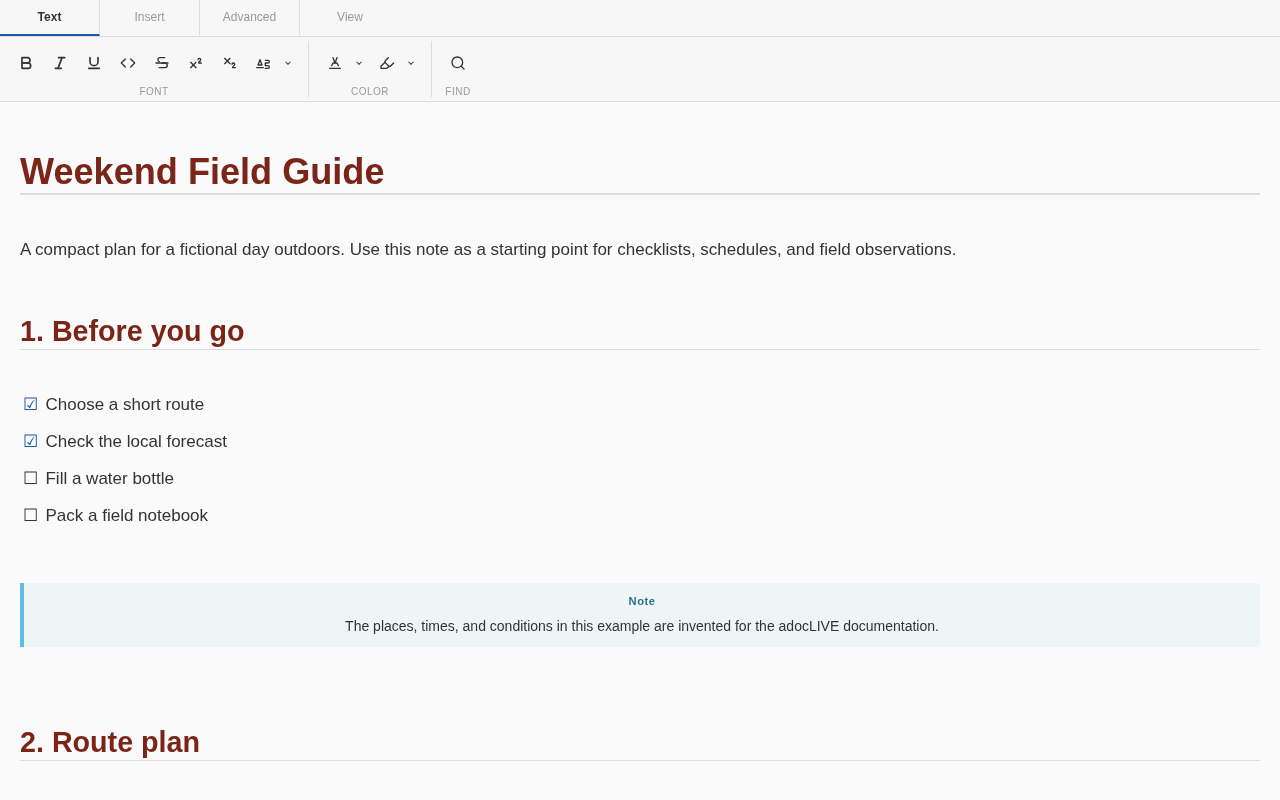
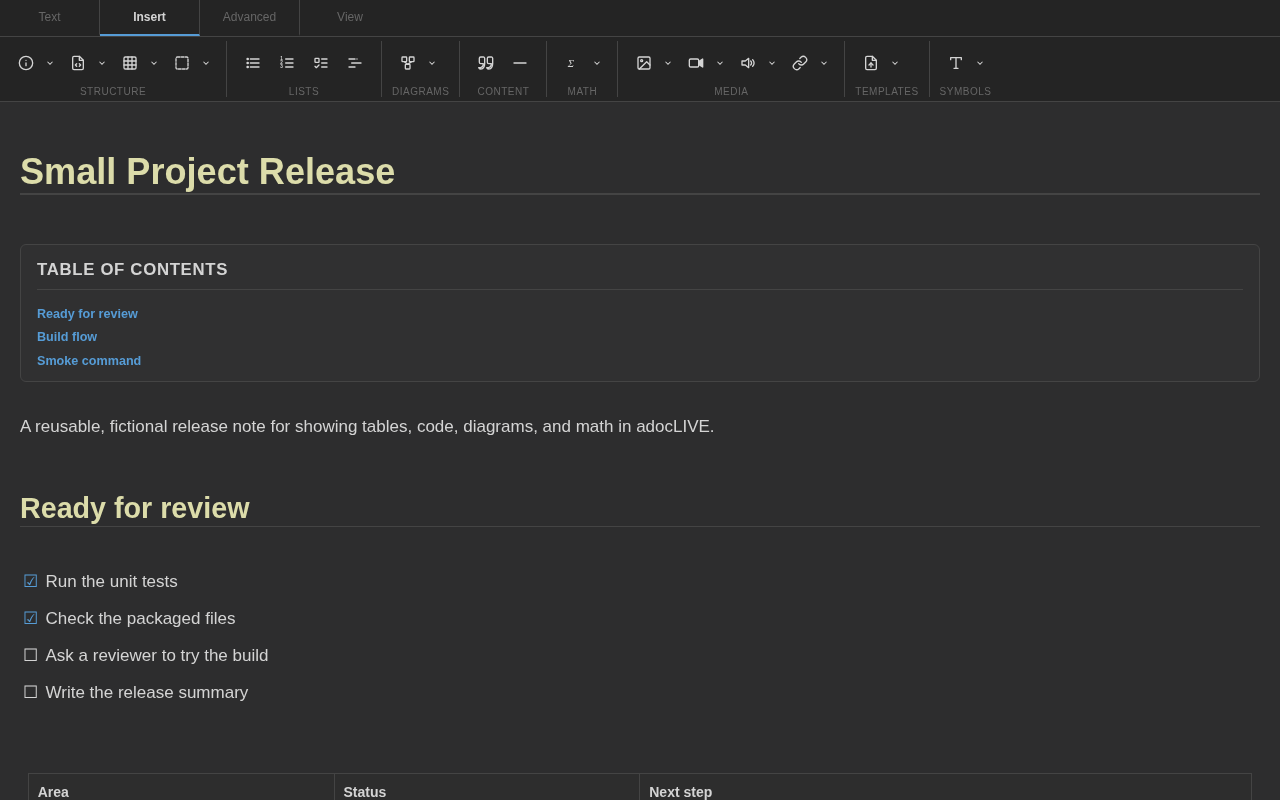
adocLIVE is an AsciiDoc editor for Joplin desktop. It adds a ribbon toolbar and four editing views, with headings, lists, tables, code, math, diagrams, and links rendered as you write.
Use it for notes already written in AsciiDoc, convert Markdown notes, or create a new adocLIVE note from Joplin's Tools menu.
Requires Joplin 3.1 or newer on desktop.
For a manual installation, download the .jpl file from the latest GitHub release. In Joplin's Plugins screen, open the gear menu and choose Install from file.
Choose Tools > New adocLIVE Note, then try this:
= Weekend Field Guide

== Before you go

* [x] Choose a route
* [ ] Fill a water bottle
* [ ] Pack a field notebook

TIP: Keep the first trip simple.
You can also convert the current Markdown note with Tools > Convert to adocLIVE Note. The note list and notebook context menus include copy and in-place conversion commands.
| View | Best for |
|---|---|
| Live Preview | Writing with formatting rendered in place |
| Split View | Comparing AsciiDoc source with Asciidoctor output |
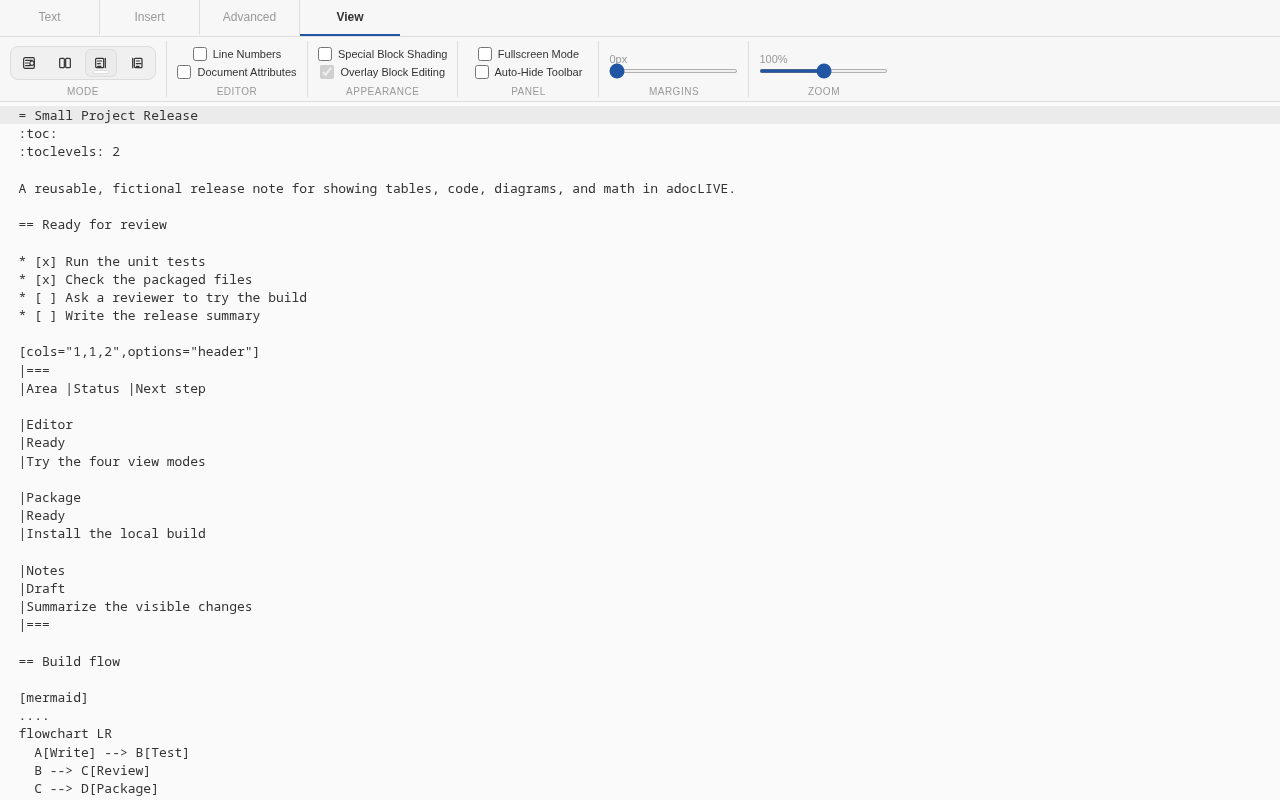
| Raw Text | Working directly with the full source |
| Rendered Preview | Reading the finished document |
The View tab also controls line numbers, document attributes, block shading, overlay editing, content margins, zoom, and fullscreen mode.
The repository includes two ready-to-copy notes:
Every example and screenshot uses synthetic content created for this project. No personal Joplin notes were used.
com.asciidoc.joplin-pluginjoplin-plugin-adoclive