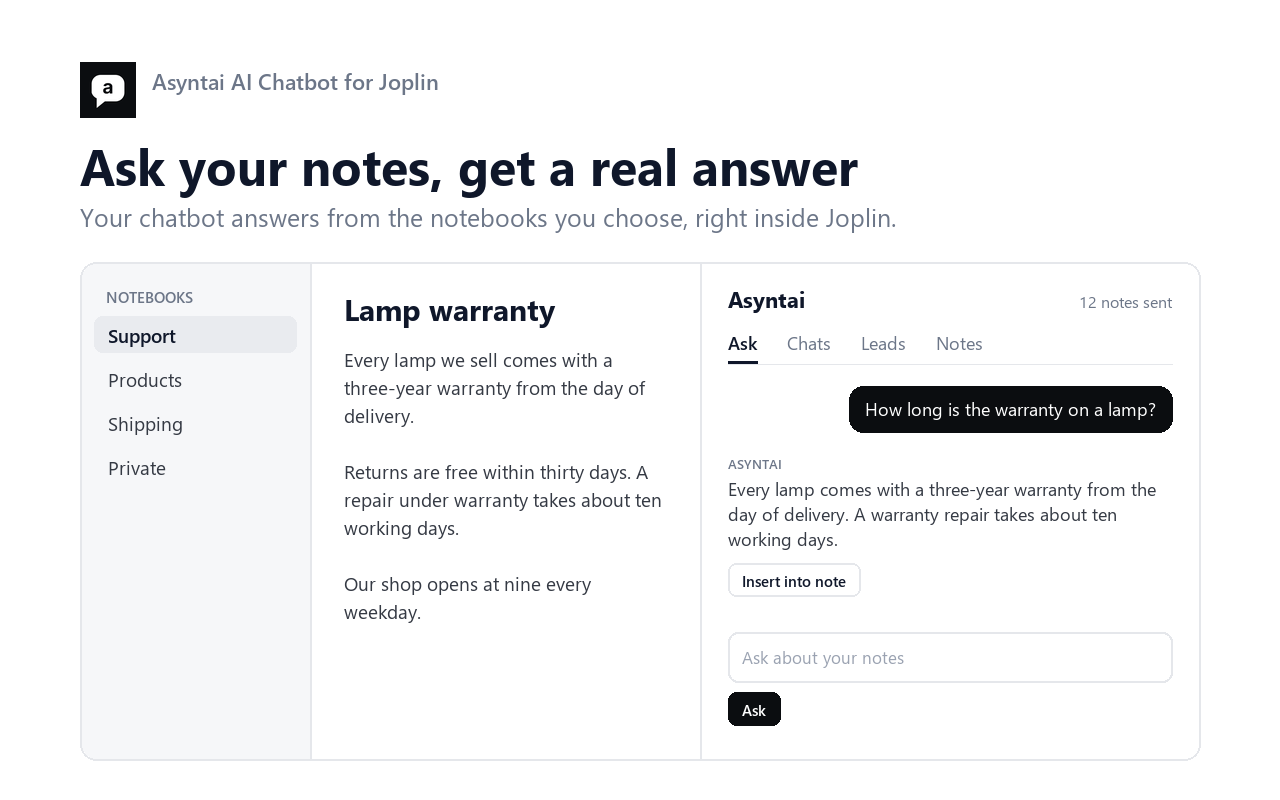
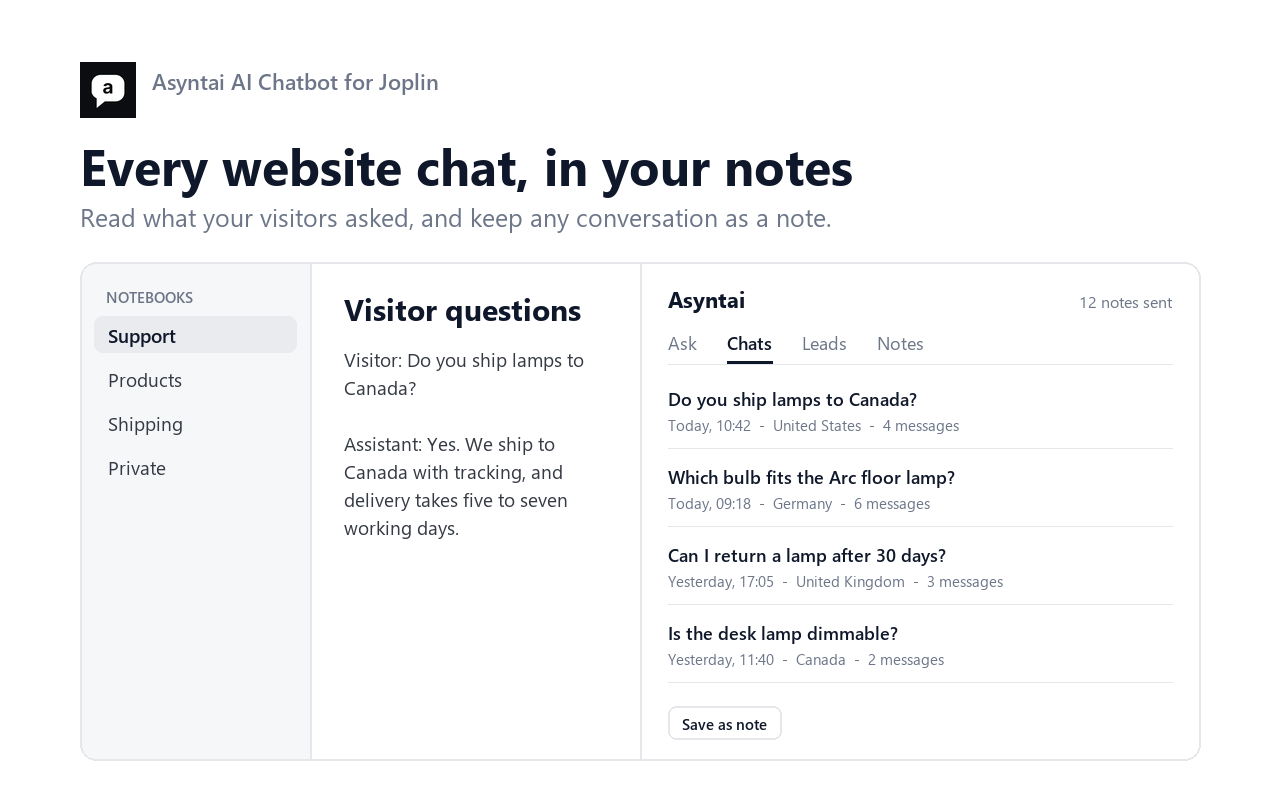
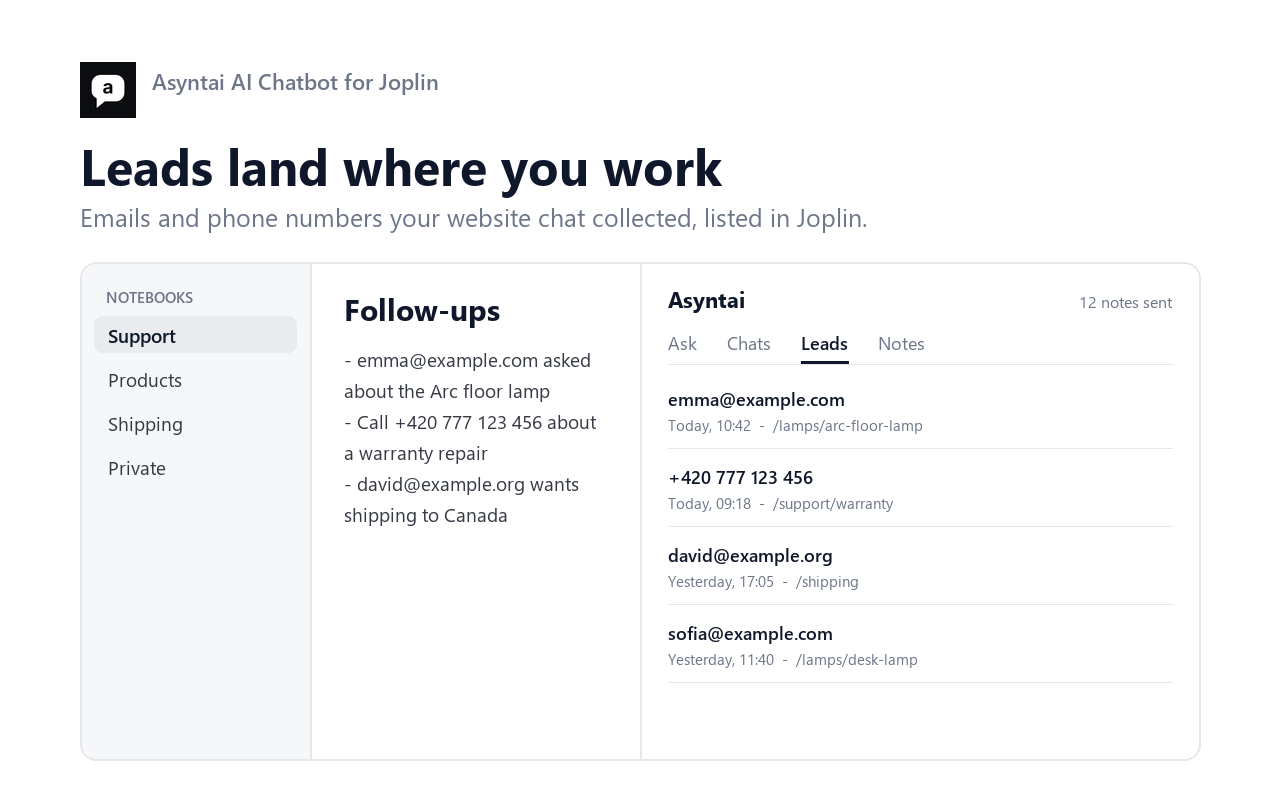

Send your notes to the Asyntai AI chatbot knowledge base, ask it questions, and read your website chats and leads.
| Links: | |
|---|---|
| Maintainers: | asyntai |
| Version: | 1.0.0 |
| Minimum app version: | 3.0 |
| Downloads: This version: | 12 |
| Last updated: | 2026-09-23T07:34:05Z |
Send the notebooks you choose to your Asyntai knowledge base, then ask the chatbot about them without leaving Joplin. The panel also lists the chats your website had and the leads those chats collected.
Work/Support. Write / for every notebook. An empty box sends
nothing.Work/Support/Drafts.Open the panel with the Asyntai button in the note toolbar, or from Tools, Asyntai AI Chatbot.
All four appear under Tools, Asyntai AI Chatbot:
A note with fewer than 120 characters of text is a stub, so it is not sent. Write more in it and it goes up on the next change.
npm install
npm run dist     # writes publish/com.asyntai.aichatbot.jpl
npm test         # 16 offline tests
npm run test:live  # tests against a running Asyntai server
src/api.ts, src/text.ts and src/sync.ts have no Joplin import, which is
why the tests drive them directly.
Documentation: https://asyntai.com/documentation/integrations/joplin/ Questions: hello@asyntai.com
MIT licence.