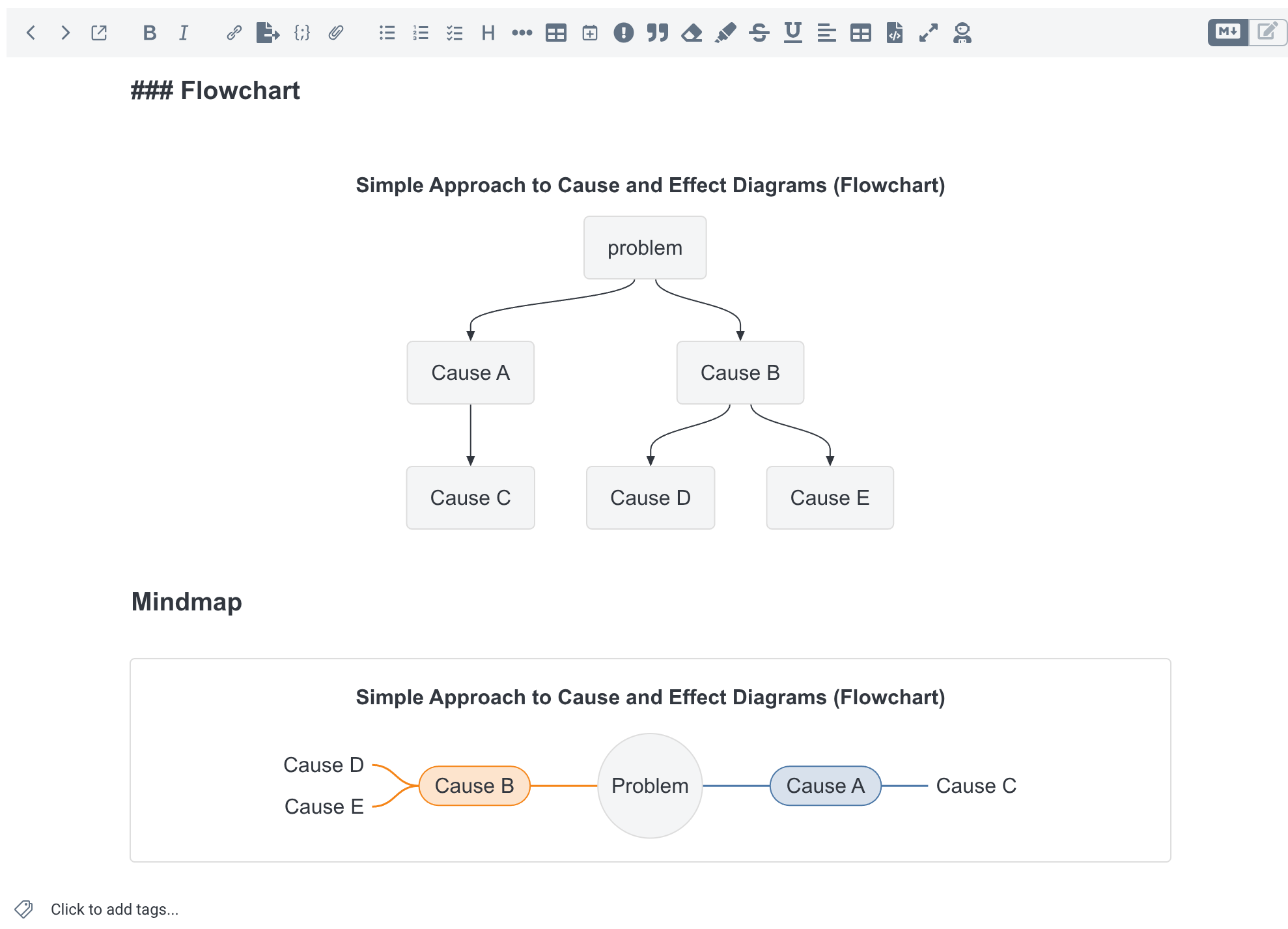
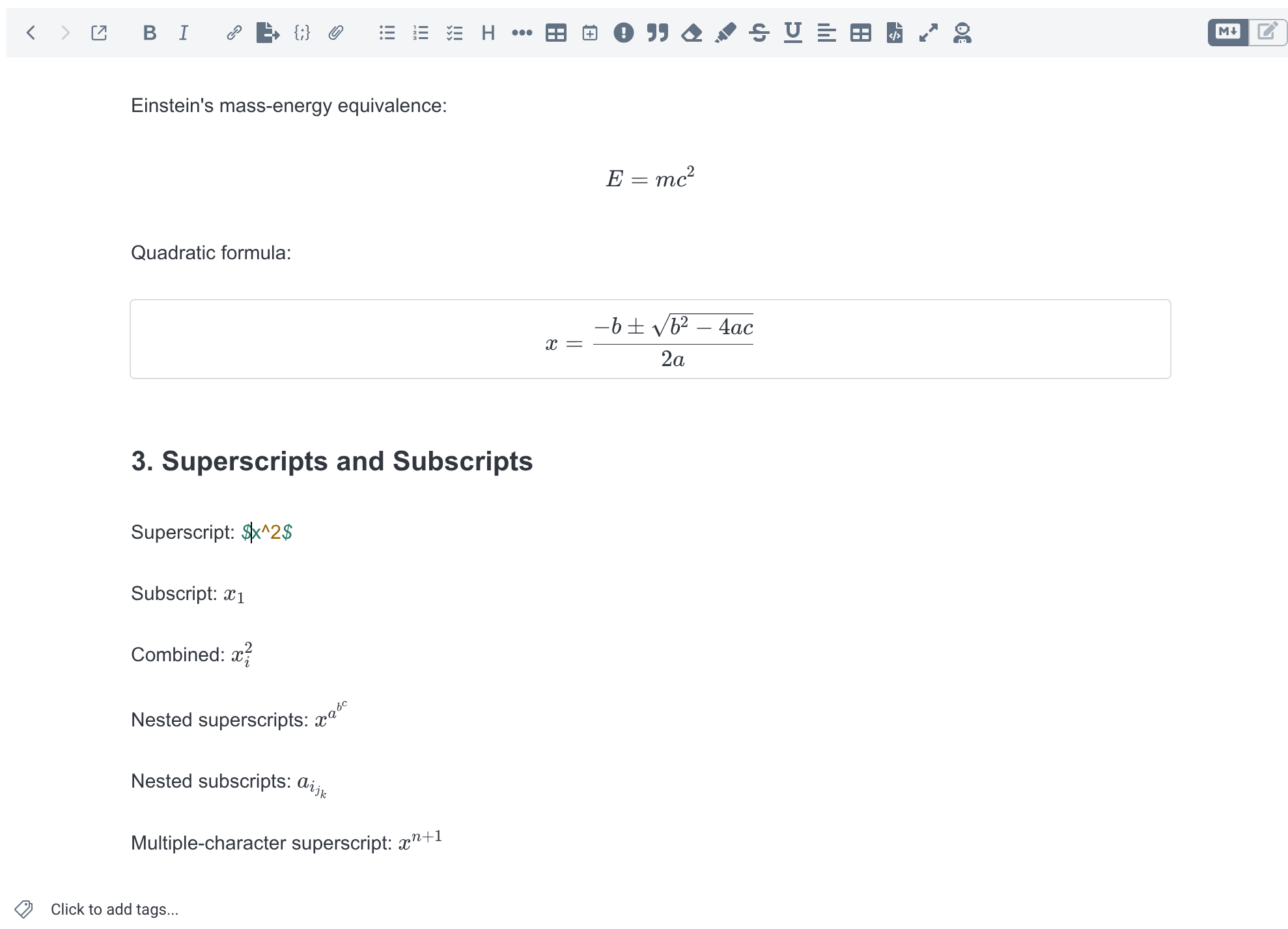
Render Mermaid diagrams and KaTeX math directly in Joplin's Markdown editor
| Links: | |
|---|---|
| Maintainers: | bwat47 |
| Version: | 0.3.0 |
| Minimum app version: | 3.7 |
| Downloads: This version: | 8 |
| Last updated: | 2026-11-24T06:54:49Z |
[!note] This plugin is developed with AI assistance
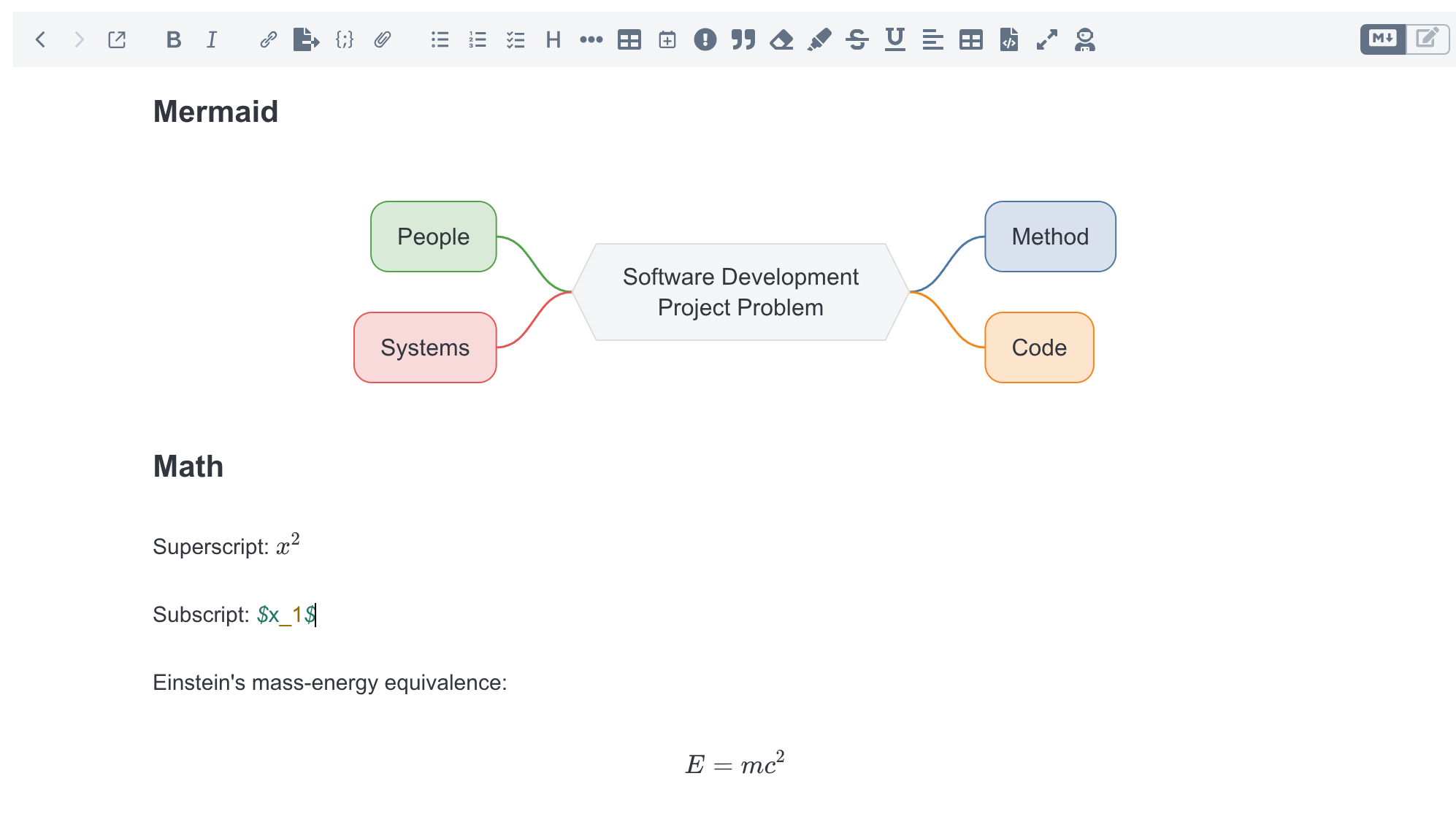
Render Mermaid diagrams (via Pele) and inline/block math (via KaTeX) directly in Joplin's CodeMirror 6 Markdown editor.
Install from Joplin's plugin manager, or install the .jpl file manually:
com.bwat47.joplin-enhanced-rendering.jpl from the latest release.Tools > Options > Plugins.Install from file.This plugin changes editor display only. It does not modify note content.
Math rendering requires "Enable math expressions (wysiwyg: yes)" to be enabled under Tools | Options | Markdown (otherwise the syntax tree nodes for math aren't available in the editor).
Mermaid diagrams can appear differently than in the Markdown viewer due to the different library being used to render them.
Requires Node 22 or later.
npm ci
npm test
npm run lint
npm run dist
Browser tests run the extension in a real CodeMirror editor using headless Chromium:
npx playwright install chromium
npm run test:browser
npm run dist creates the installable plugin at publish/com.bwat47.joplin-enhanced-rendering.jpl.