Add support for GitHub-style alerts (callouts) in the markdown editor/viewer, plus editor commands for alerts, blockquotes, and inline formatting (strikethrough, highlight, underline, superscript, subscript).
| Links: | |
|---|---|
| Maintainers: | bwat47 |
| Version: | 1.7.1 |
| Minimum app version: | 3.3 |
| Downloads: This version: | 212 |
| Last updated: | 2026-09-27T20:29:27Z |
A Joplin plugin that adds the following functionality to the Markdown editor:
[!NOTE] This plugin was created entirely with AI tools.
[!CAUTION] The Rich Text Editor is not supported. The editor commands only work in the Markdown editor (the rich text editor already includes most of them anyway). Github Alerts will (sort of) render in the rich text editor, but making any edits in the Rich Text Editor will remove GitHub alert syntax.
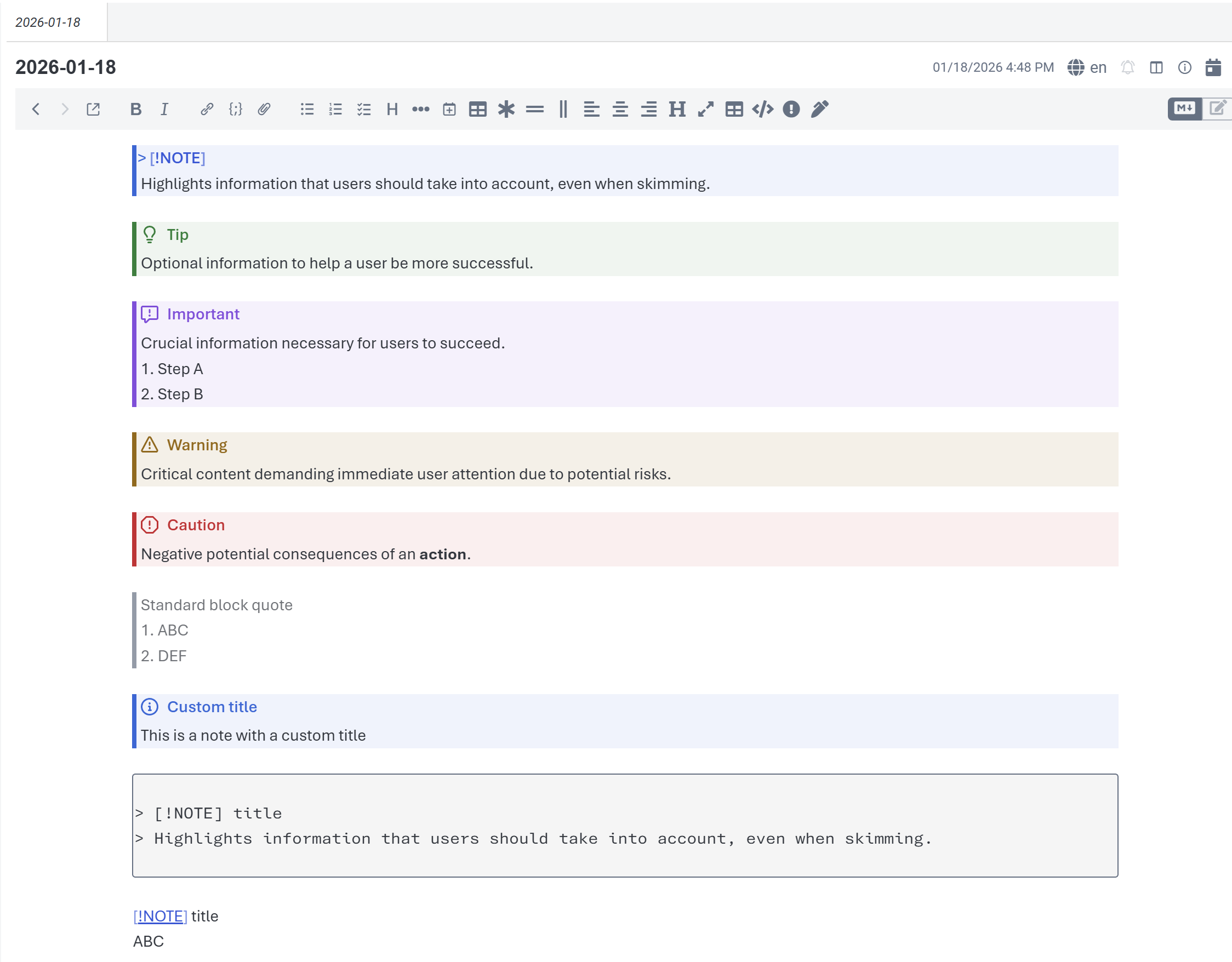
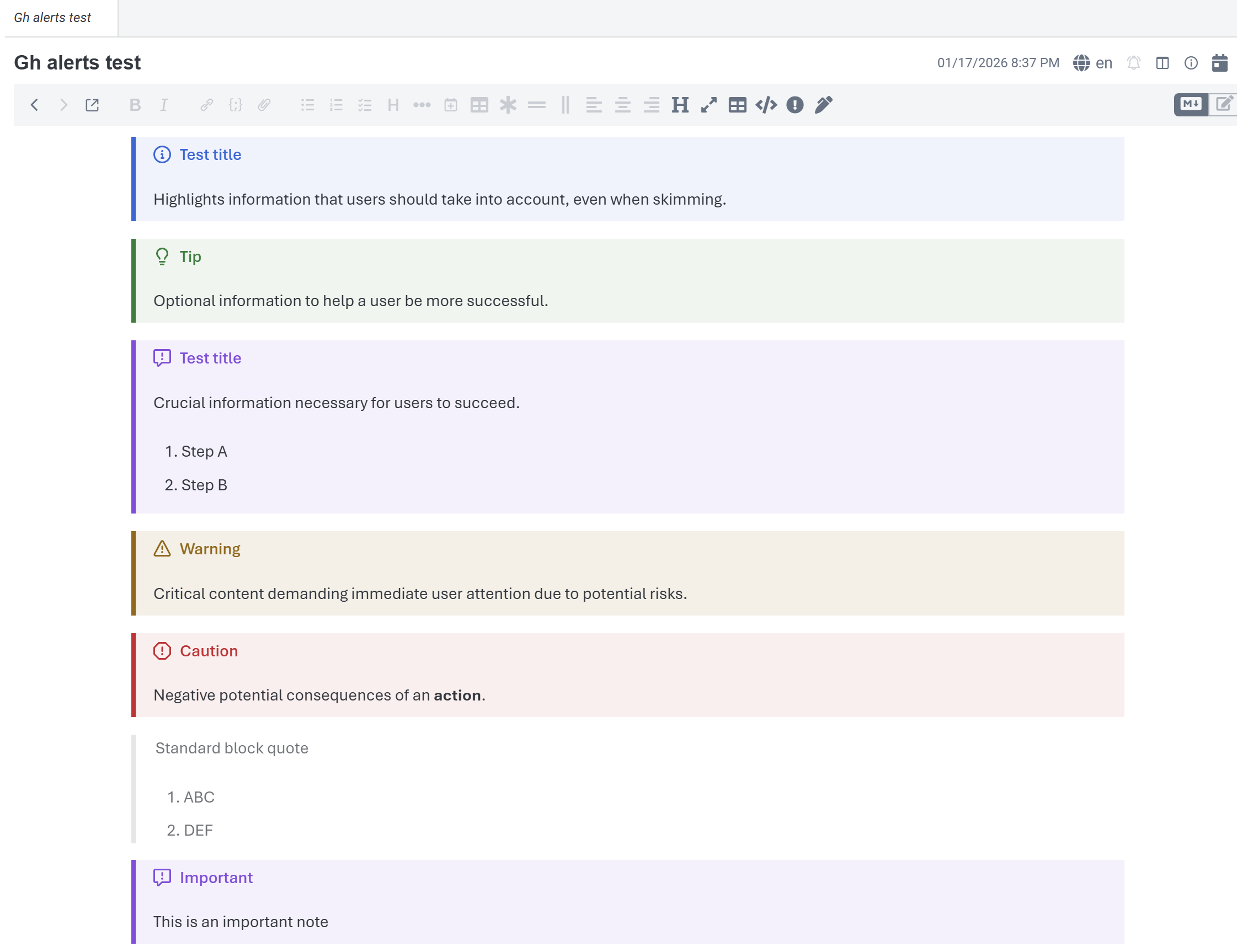
The plugin supports GitHub-style alert syntax:
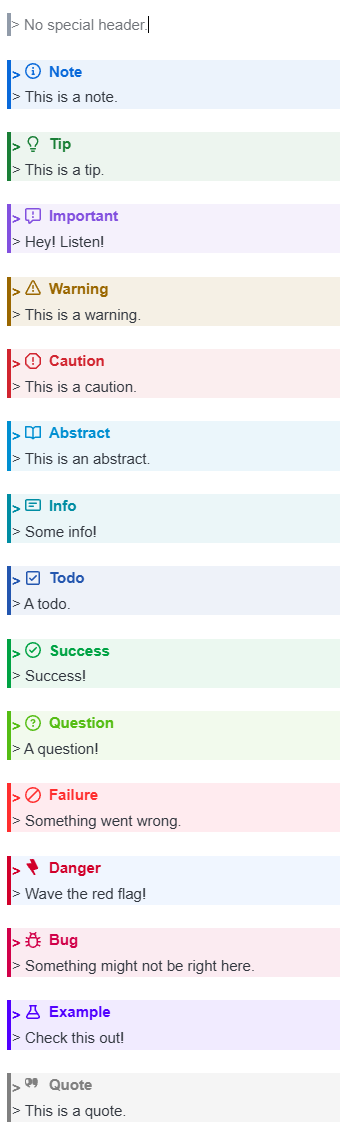
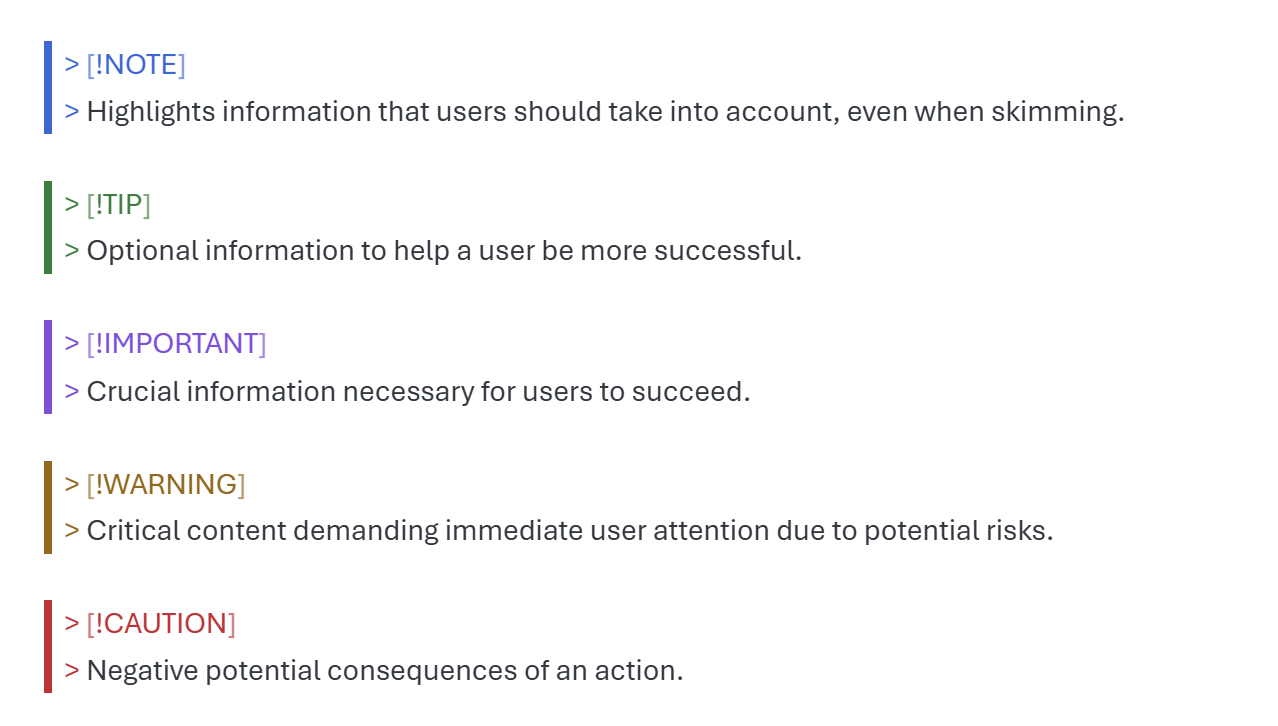
Supported alert types:
> [!NOTE]
> Useful information that users should know, even when skimming content.

> [!TIP]
> Helpful advice for doing things better or more easily.

> [!IMPORTANT]
> Key information users need to know to achieve their goal.

> [!WARNING]
> Urgent info that needs immediate user attention to avoid problems.

> [!CAUTION]
> Advises about risks or negative outcomes of certain actions.

> [!ABSTRACT]
> A summary or overview of the content that follows.

> [!INFO]
> Additional context or background information on a topic.

> [!TODO]
> A task or action item that still needs to be completed.

> [!SUCCESS]
> Confirms that an action or process completed successfully.

> [!QUESTION]
> A question or point requiring clarification or further thought.

> [!FAILURE]
> Indicates something that did not work or a known limitation.

> [!DANGER]
> Critical warning about something that could cause serious harm.

> [!BUG]
> Documents a known issue, defect, or unexpected behavior.

> [!EXAMPLE]
> Illustrates a concept with a concrete example or sample.

> [!QUOTE]
> A notable quotation or reference from an external source.
Examples:
Typing >! or > [! at the beginning of an empty line will trigger an auto-completion dropdown to finish the alert syntax from the supported alert types.
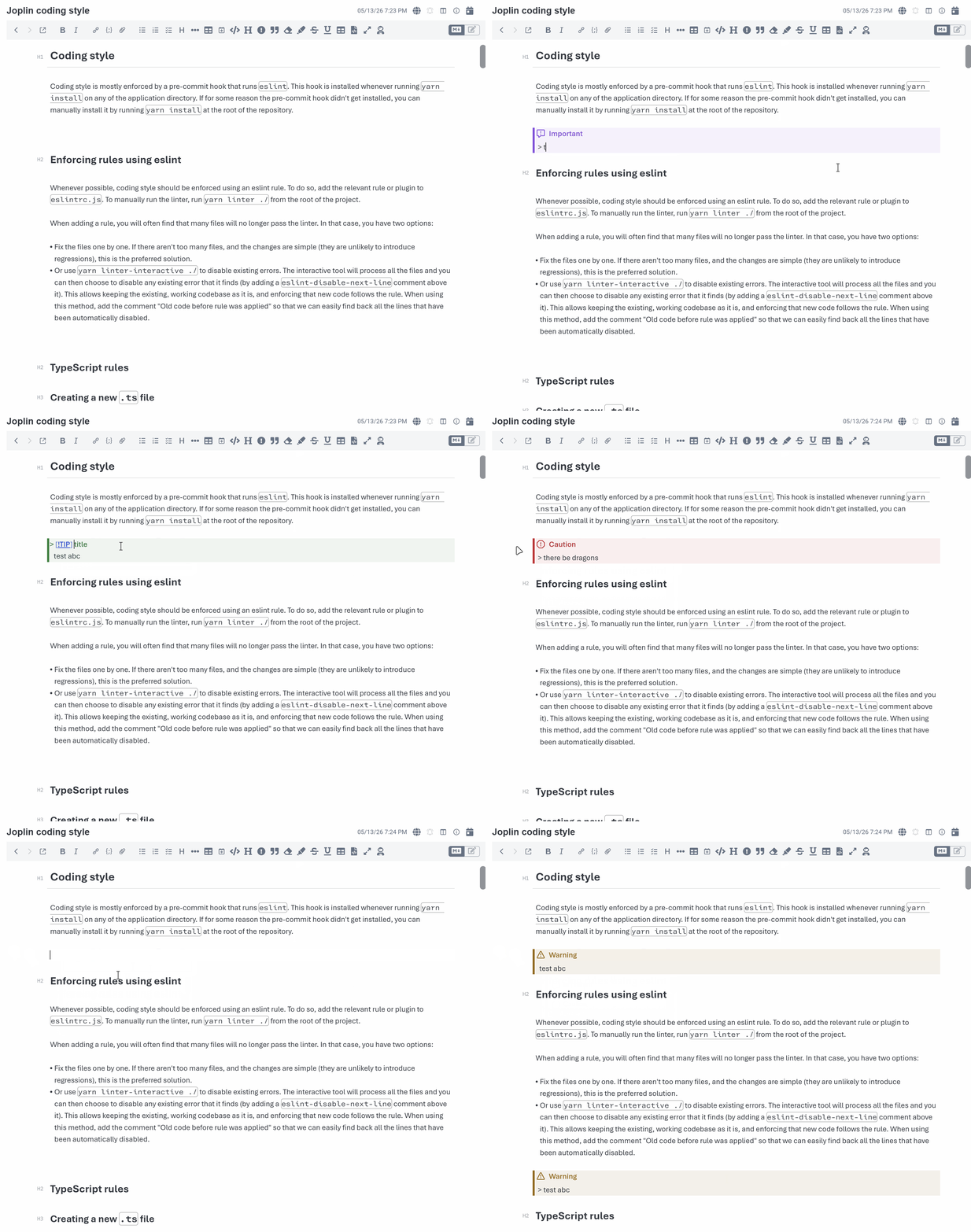
The plugin adds toolbar buttons and Edit menu commands for:
Default shortcut: Ctrl + Shift + A
Behavior:
> [!NOTE] highlight the "NOTE" text so the user can enter the desired alert type.Default shortcut: Ctrl + Shift + .
Behavior:
> and place the cursor after the markerDefault shortcut: none
Behavior:
> [!NOTE] while preserving any custom alert title text:/<32 hex>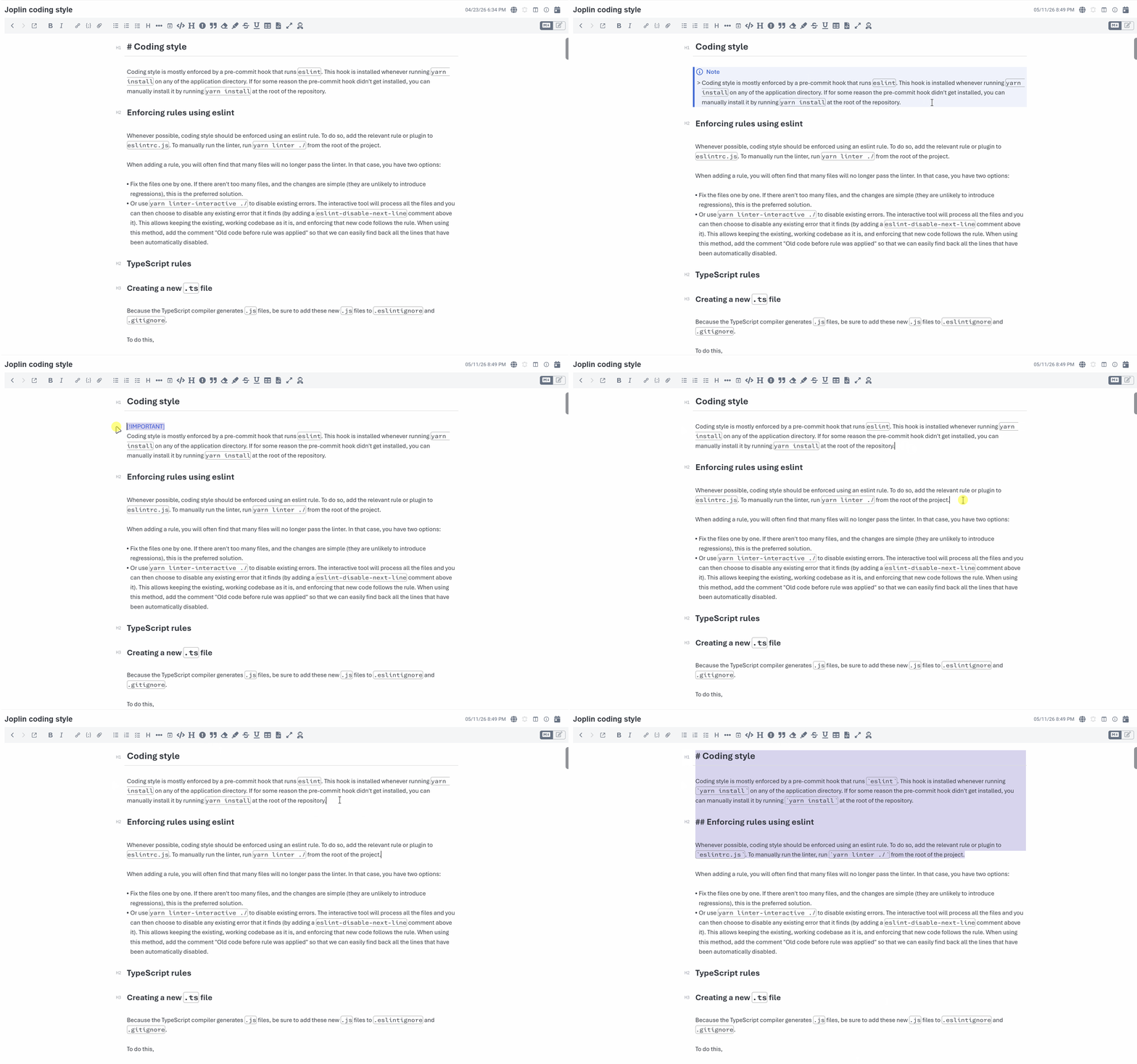
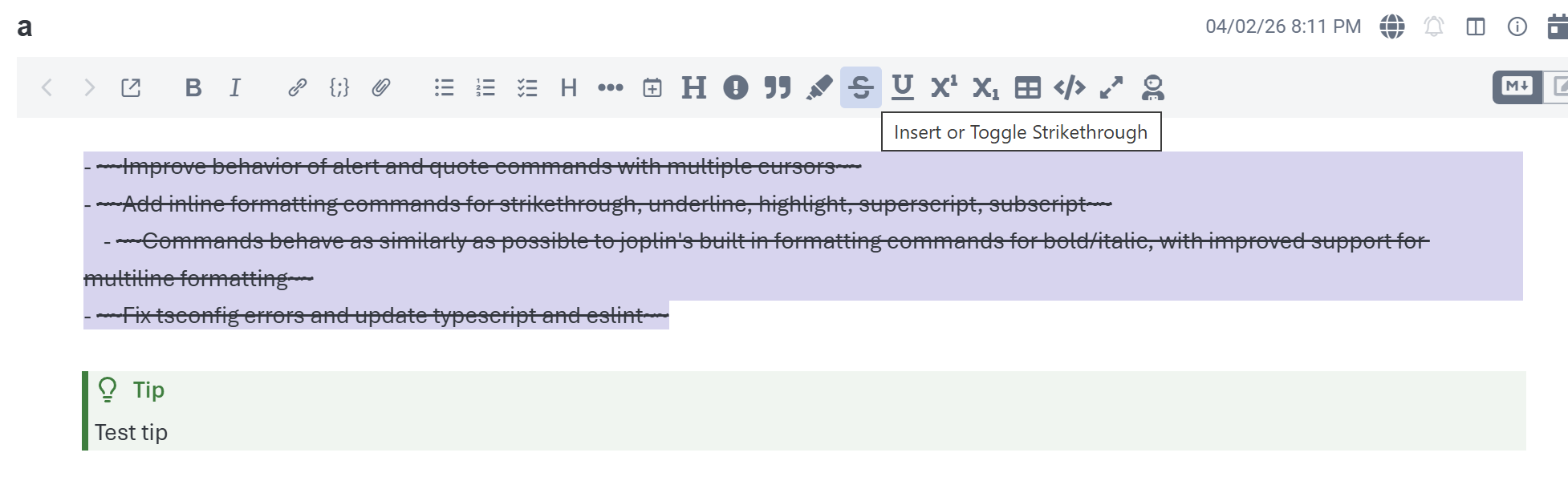
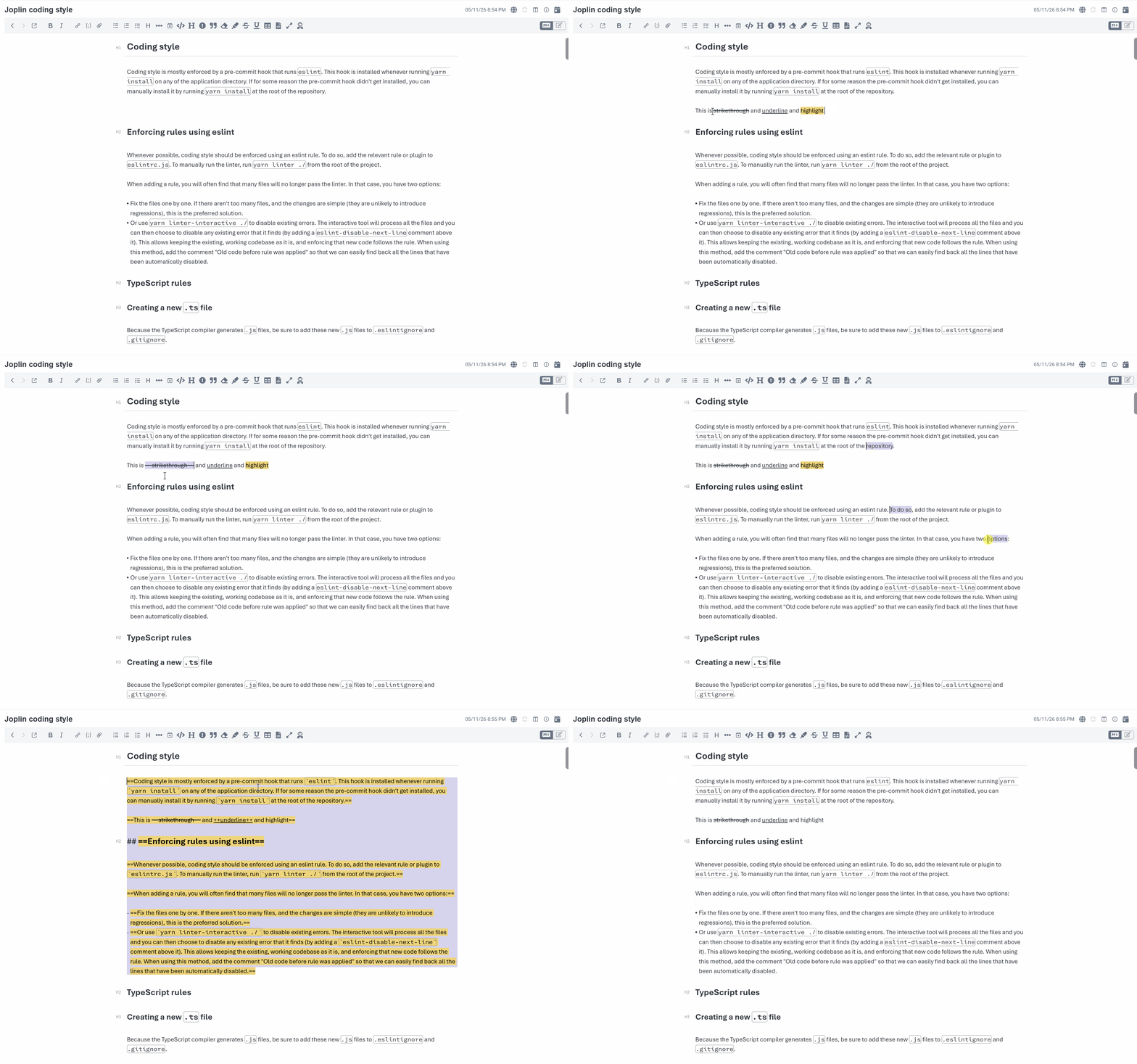
Joplin supports various inline Markdown extensions, but the Markdown editor does not provide built-in commands for all of them. This plugin adds commands, toolbar buttons, and Edit menu entries for:
==text==~~text~~++text++<sup>text</sup> by default, optionally ^text^<sub>text</sub> by default, optionally ~text~Default shortcuts:
CmdOrCtrl + Shift + YCmdOrCtrl + Shift + ~CmdOrCtrl + Shift + UThe commands behave similarly to joplin's standard inline formatting commands, and support multiple cursors/selections:
For full-line selections, the inline formatting commands are line-aware instead of blindly wrapping the whole block (preserving blank lines, code blocks, block markers, etc...):
Examples:
> - abc test
Highlight becomes:
> - ==abc test==
## Heading
Highlight becomes:
## ==Heading==
Enable/Disable alert type autocomplete in the markdown editor (default enabled).
Separate syntax settings for the superscript and subscript commands. Both default to inline HTML because Joplin (v3.6 and newer) renders that syntax in both the editor and the viewer.
Enable/Disable alert title rendering and alert background color.
Example with background disabled:
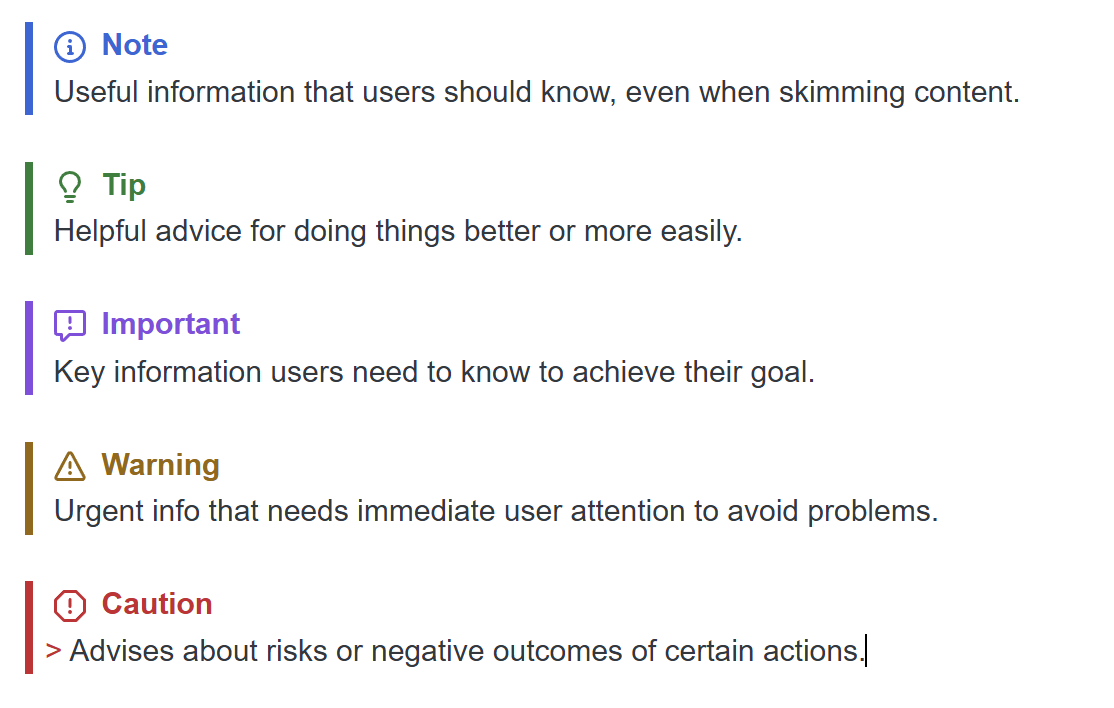
Example with both settings disabled:
The plugin includes settings to enable or disable each editor toolbar button independently. Available toolbar visibility settings:
All toolbar buttons are enabled by default.
These settings only affect the editor toolbar buttons. The commands themselves, menu items, and shortcuts still remain available.
Changing a toolbar visibility setting currently requires restarting the plugin to take effect. Changing the superscript or subscript syntax setting applies to commands immediately and does not require a restart.