
Paste clipboard HTML as clean markdown
| Links: | |
|---|---|
| Maintainers: | bwat47 |
| Version: | 1.6.0 |
| Minimum app version: | 3.3 |
| Downloads: This version: | 73 |
| Last updated: | 2026-10-25T21:17:35Z |
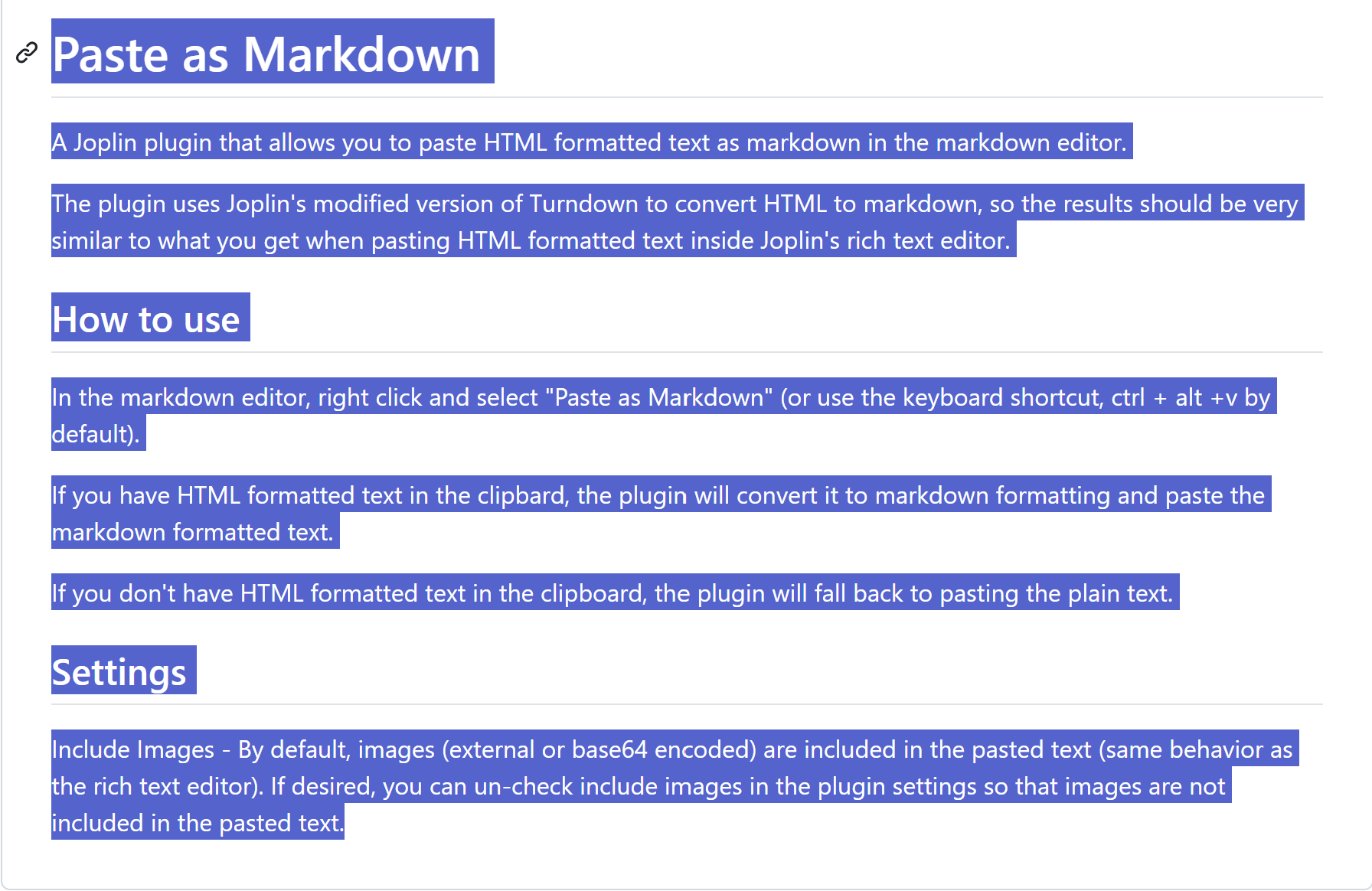
Paste content from websites, email, Office, Google Docs, and spreadsheets into Joplin as clean, editable Markdown. The plugin sanitizes copied HTML, removes webpage clutter, and repairs common problems with lists, tables, code blocks, links, and images before conversion.
This is useful when the Web Clipper is not available, such as when copying from an email client, or when you want to paste formatted content without opening Joplin's rich text editor and risking changes to the rest of the note.
This plugin was originally created when Joplin's markdown editor lacked a Paste as Markdown command (and the only options were using the web clipper or rich text editor).
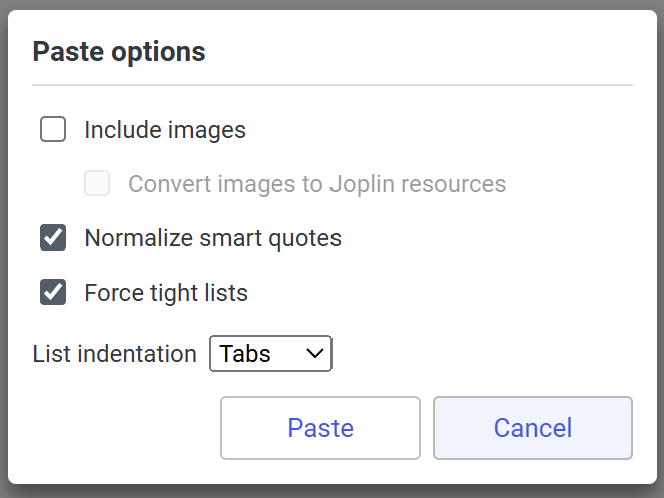
Joplin 3.6 introduced a built-in Paste as Markdown command. This plugin remains useful when the clipboard HTML needs more cleanup than the built-in conversion provides (e.g. pasting complex content from browsers, email, Office, Google Docs, spreadsheets and/or if you just want cleaner/more predictable Markdown output). The plugin also allows you to adjust paste options per-paste if you enable the paste dialog (e.g. if you sometimes want to paste with images included, and other times want images removed).
examples comparing built-in paste as markdown feature with the plugin
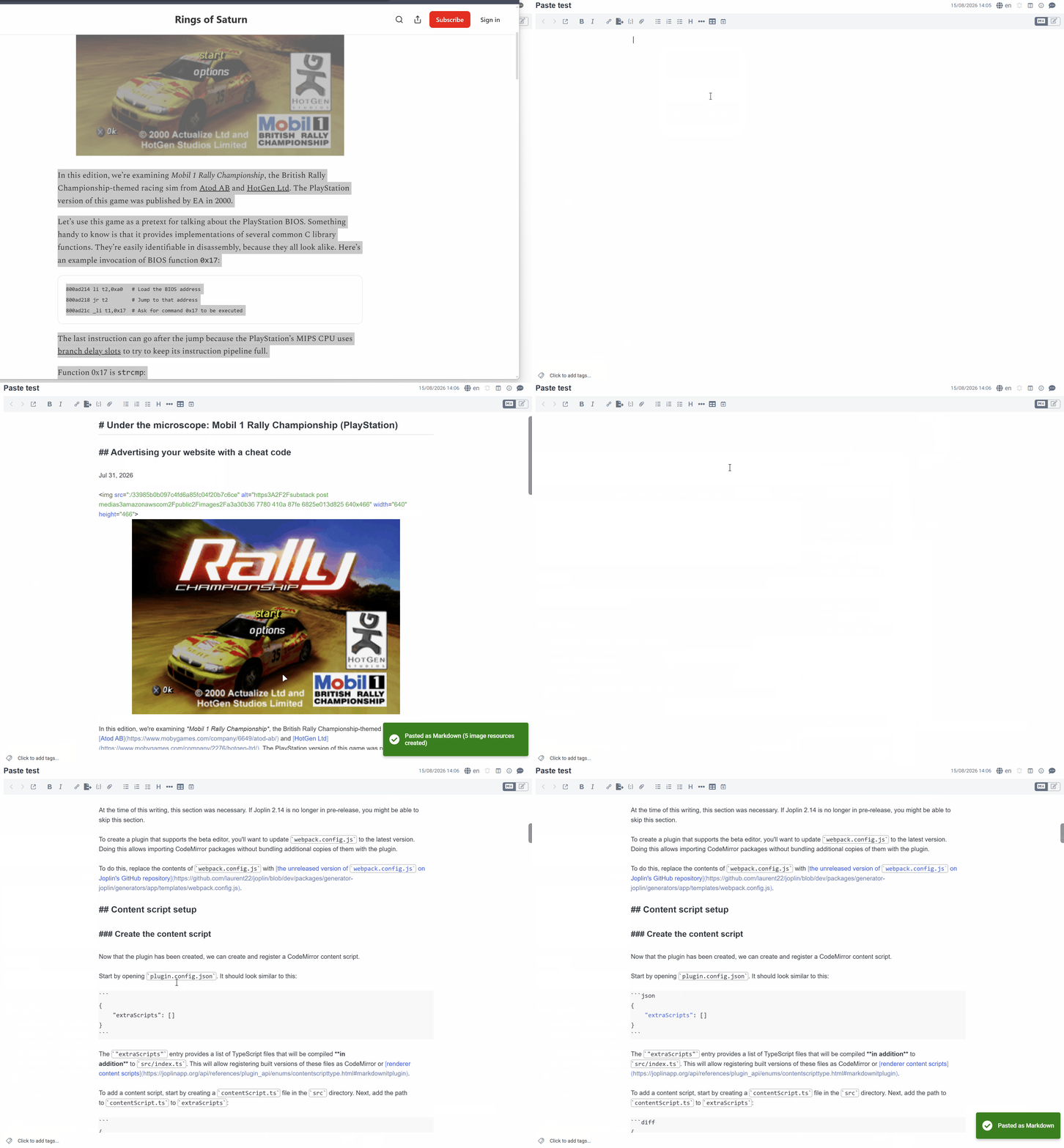
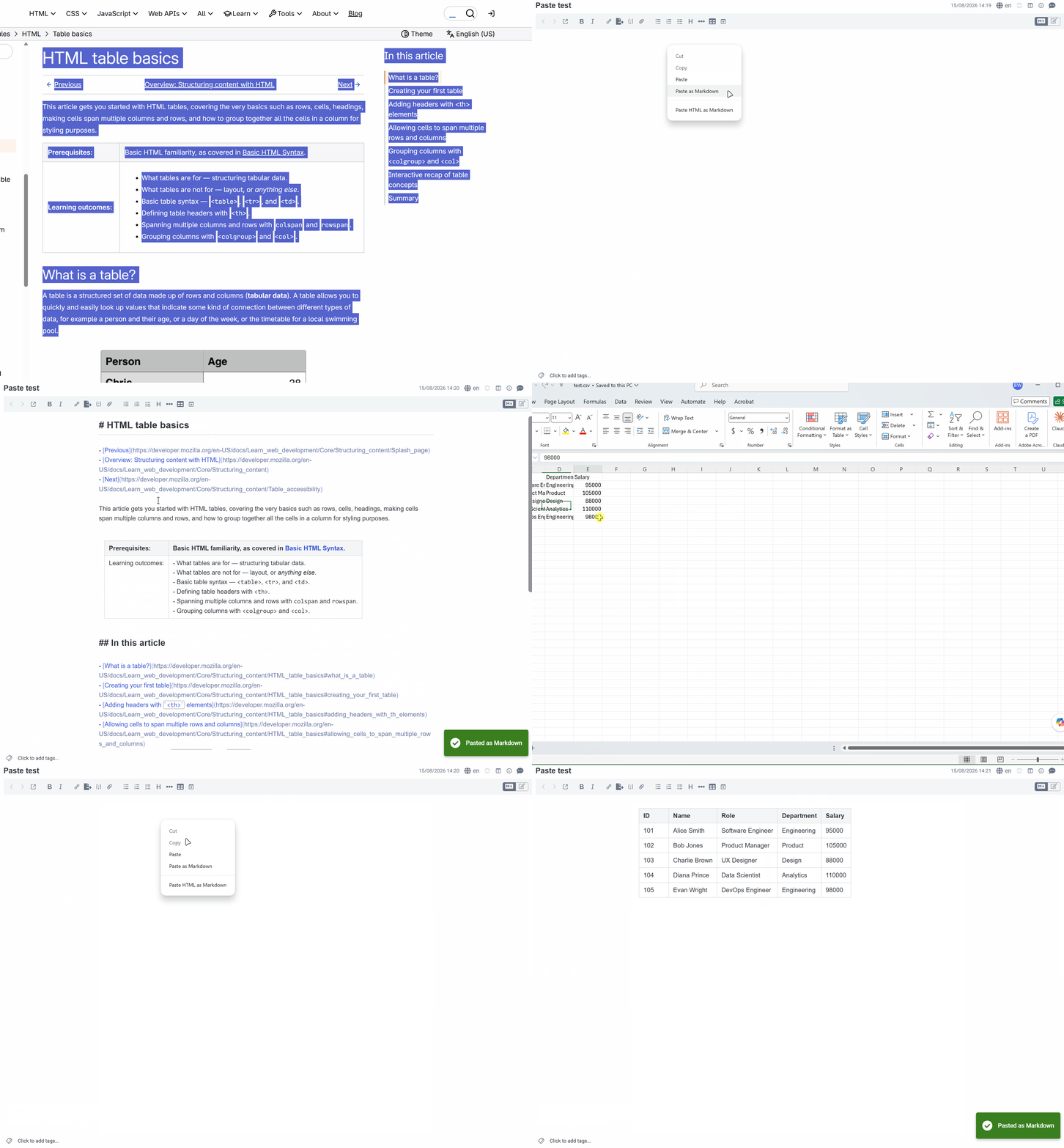
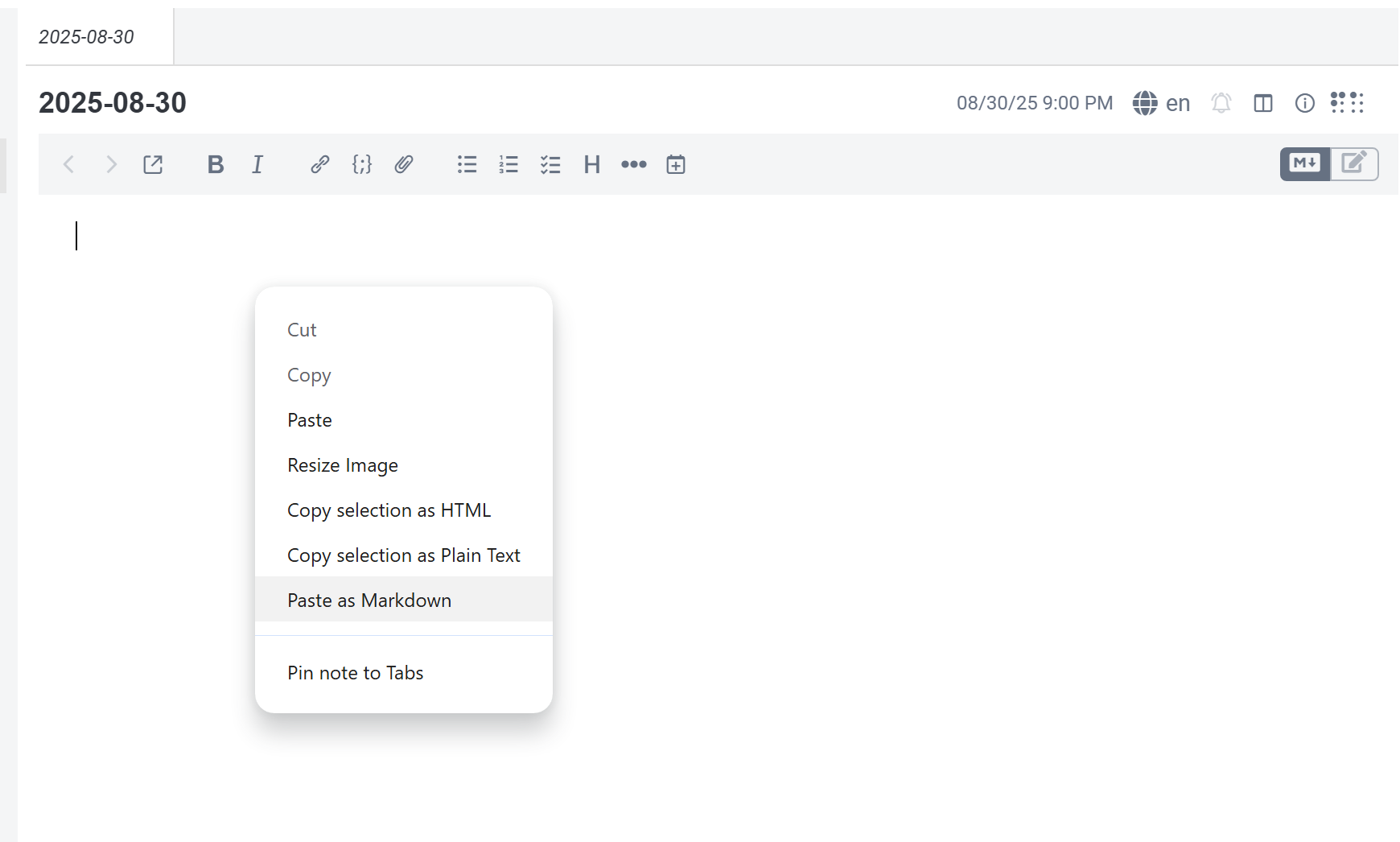
srcset and <picture> elements, preserves supported dimensions, and supplies readable alternative text when needed.==highlight== syntax.In the Markdown editor, right-click and select Paste HTML as Markdown, or use Ctrl+Alt+V (the default shortcut).
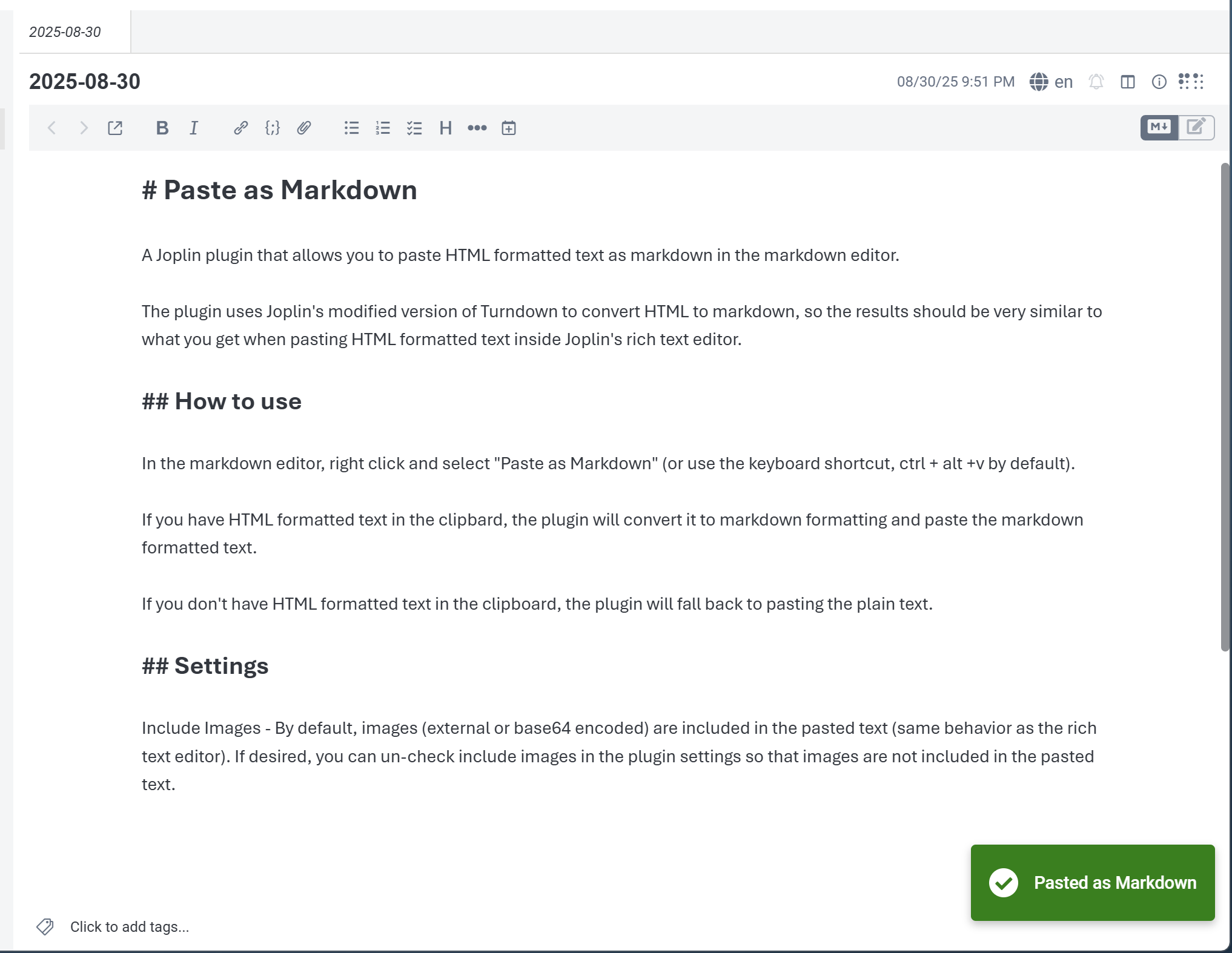
If the clipboard contains HTML, the plugin cleans it, converts it to Markdown, and inserts the result at the cursor. If the clipboard contains only plain text, that text is pasted unchanged.
The plugin favors portable Markdown. It retains inline HTML only when needed for explicitly sized images, superscript (<sup>), subscript (<sub>), inserted text (<ins>), or intentional <br> elements whose replacement would break a table cell or inline-code structure.
This plugin was created entirely with AI tools.