Keeps your Joplin notes safe with password and encryption.
| Links: | |
|---|---|
| Maintainers: | cipherswami |
| Version: | 2.2.6 |
| Minimum app version: | 3.3 |
| Downloads: This version: | 271 |
| Last updated: | 2026-03-11T17:36:44Z |
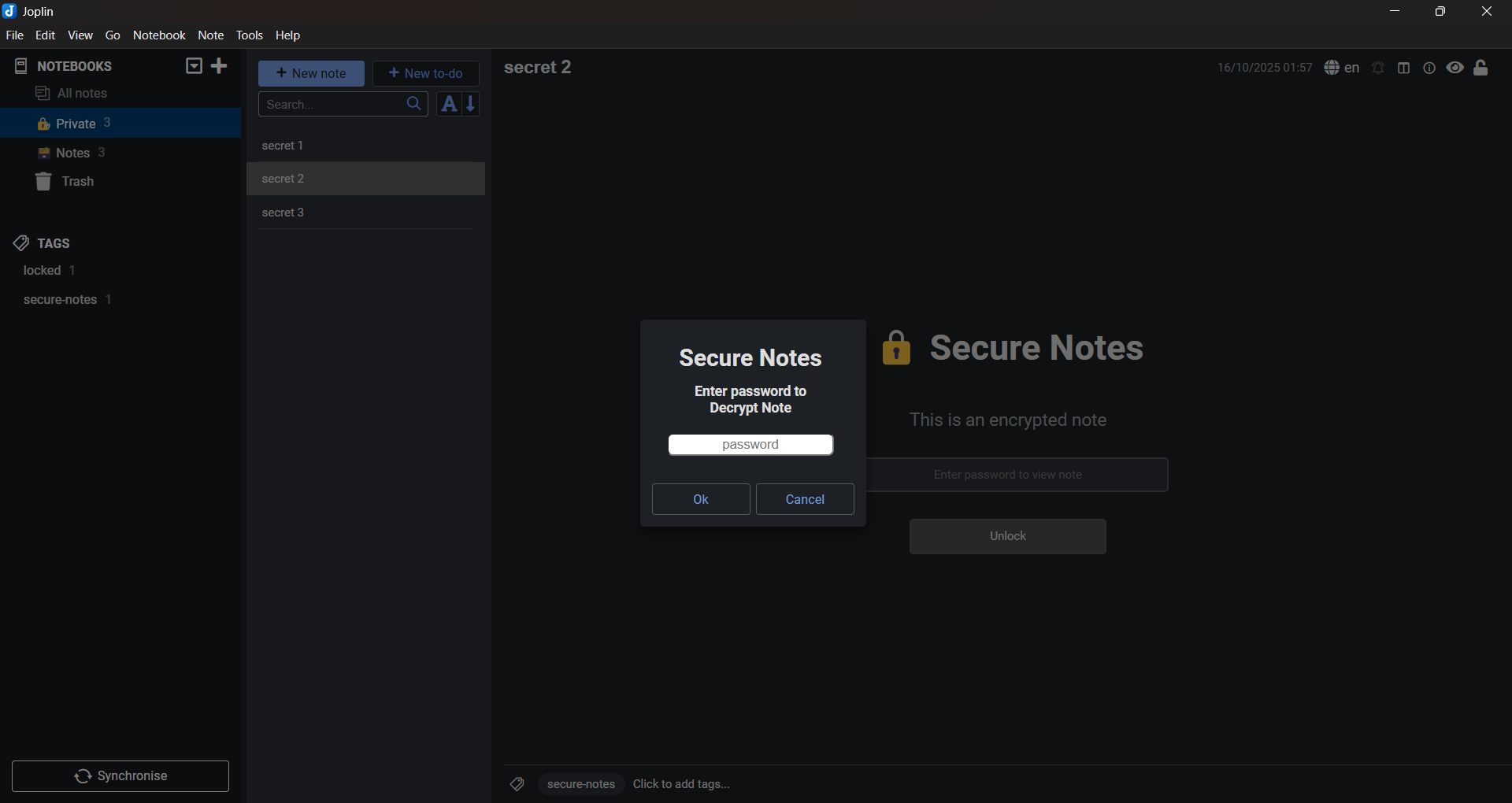
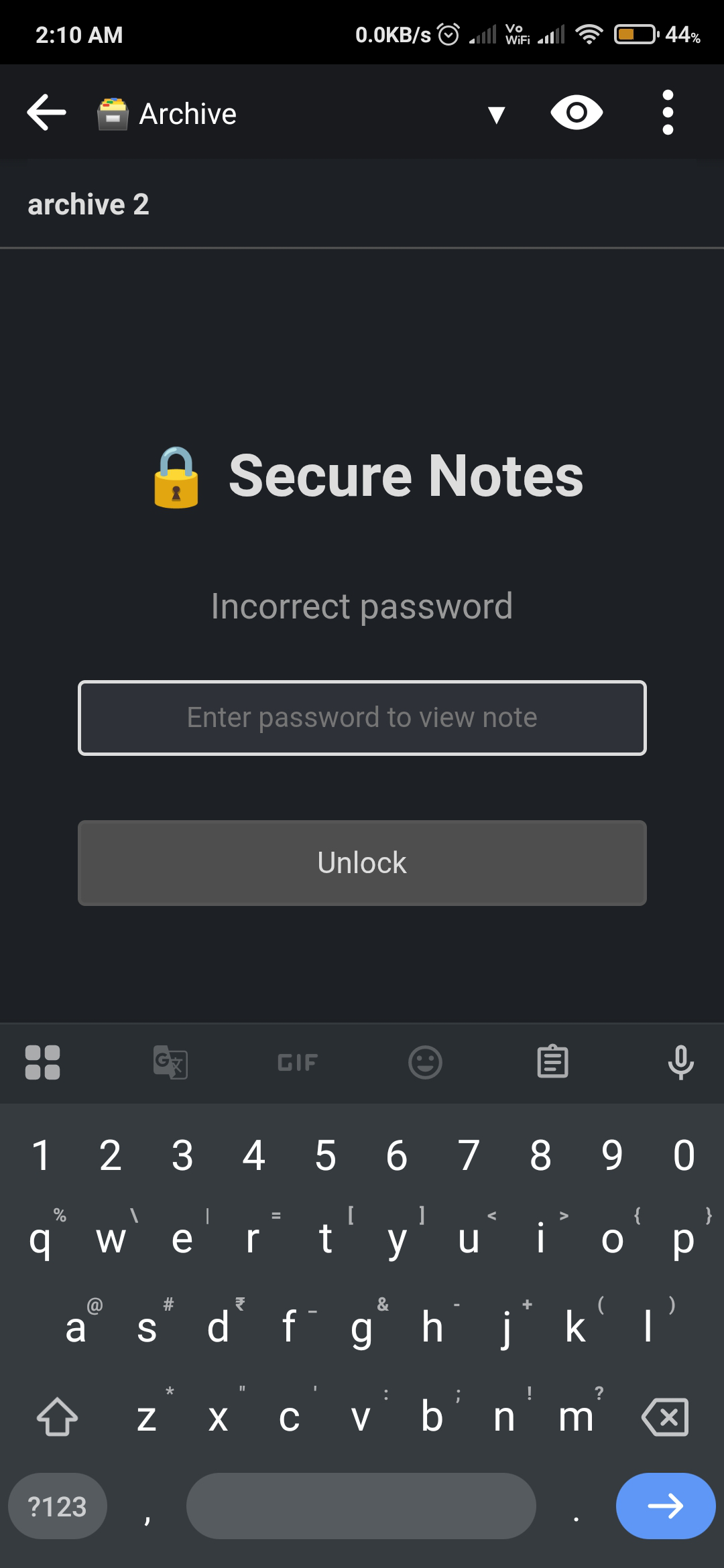
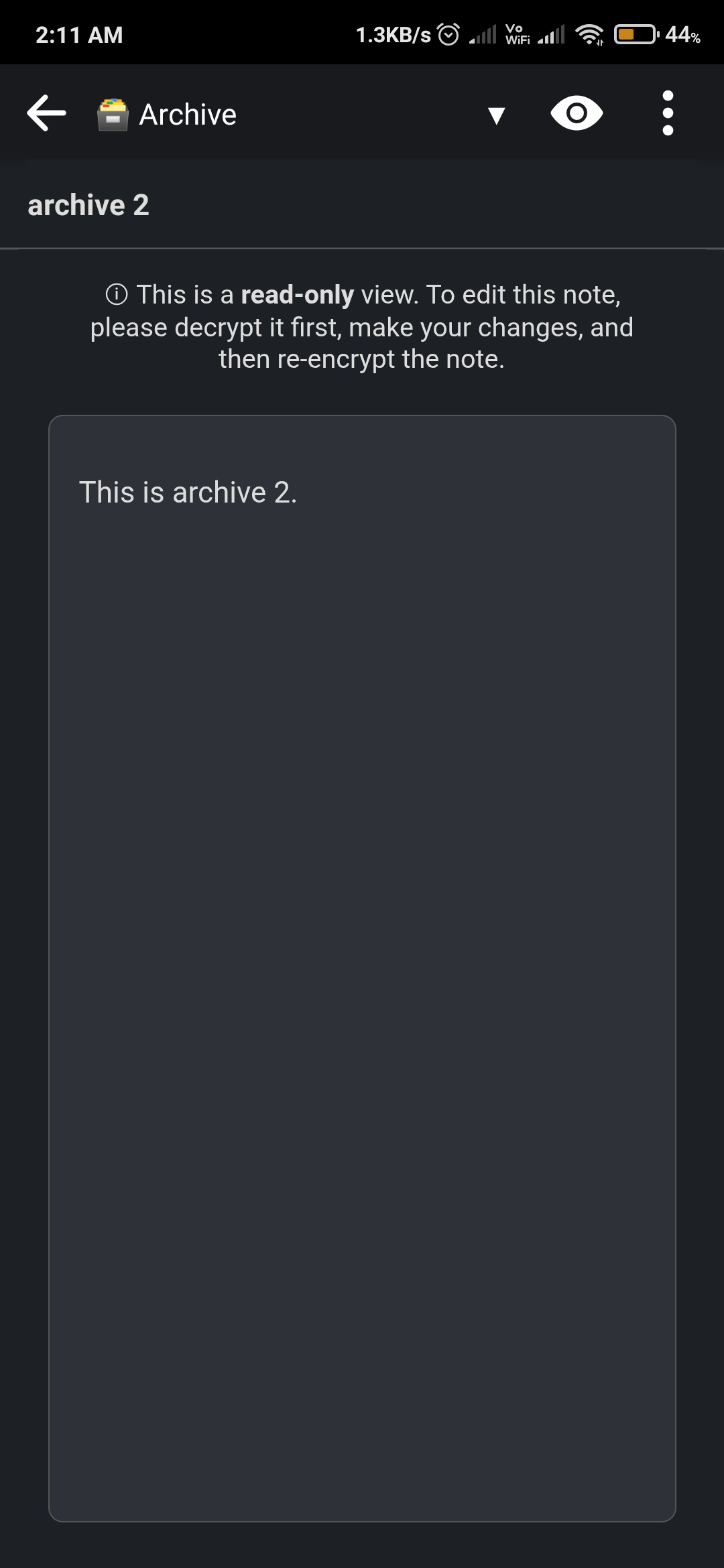
Secure Notes is a Joplin plugin that lets you password-protect and encrypt your notes locally. It ensures your sensitive information stays private — only you can unlock and read your data.
[!IMPORTANT] SecureNotes-v2.2.6
This release migrates the encryption format from JSON-based to CodeFence-based, laying the groundwork for performance improvements in Joplin 3.6 and fixing bugs caused by note tags in the old JSON format. The plugin is temporarily limited to the Markdown viewer layout and is not supported in Rich Text Editor (RTE).See the CHANGELOG for full details.
NO RECOVERY – If you forget your password, your encrypted notes are permanently lost. There’s no way to recover or reset it. Please keep backups of anything important.
NO WARRANTIES – This plugin is provided "as is" without any guarantees. While it uses industry-standard AES encryption, no system is 100% secure. The author is not liable for data loss or security issues.
Use at your own risk. By using this plugin, you accept these terms.
Build the plugin package file (.jpl):
git clone https://github.com/cipherswami/joplin-plugin-secure-notes.git
cd joplin-plugin-secure-notes
npm install
npm run dist
Then in Joplin, Go to Tools → Options → Plugins → Install from file
Select the generated .jpl file from the publish/ directory
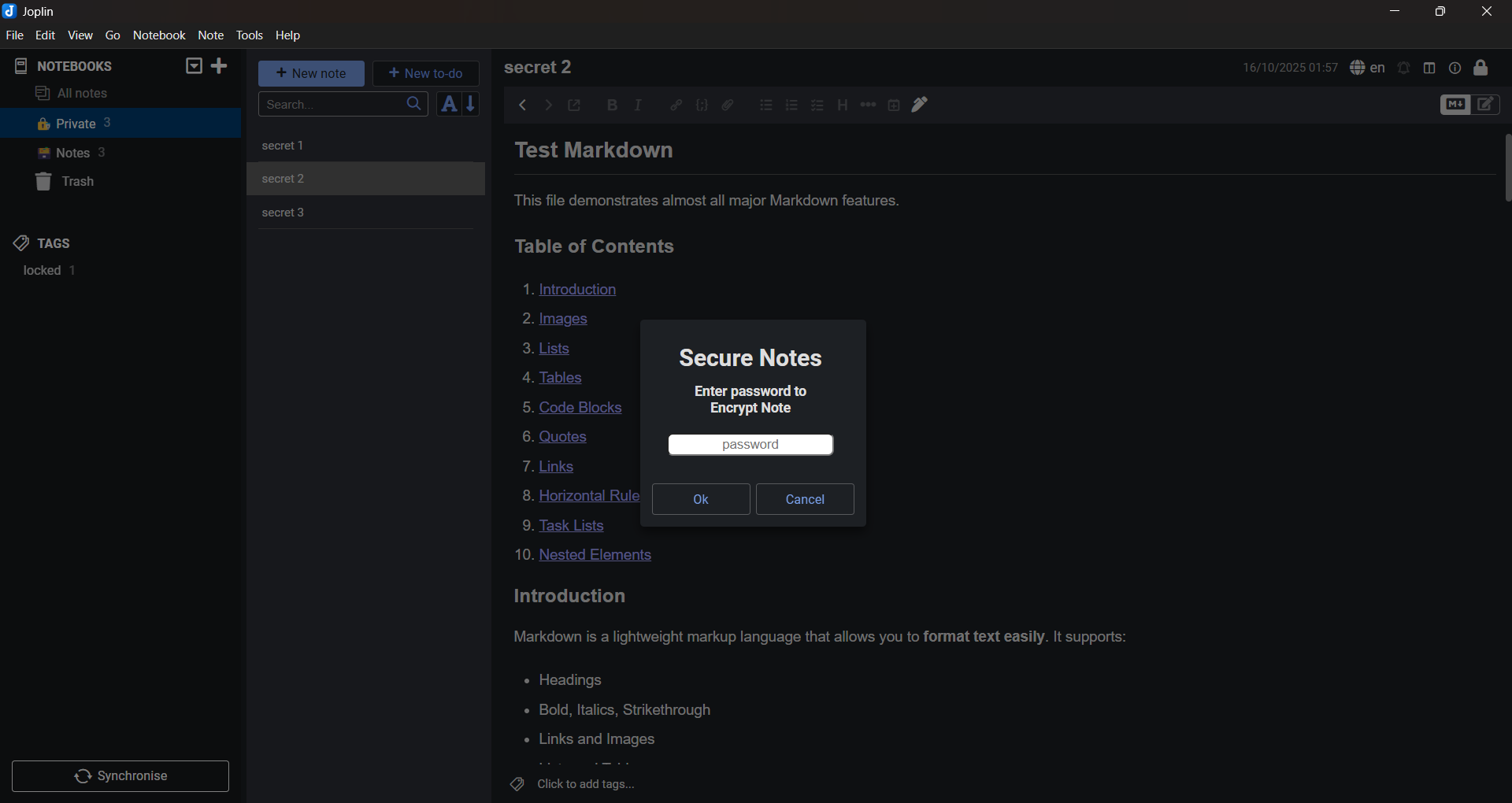
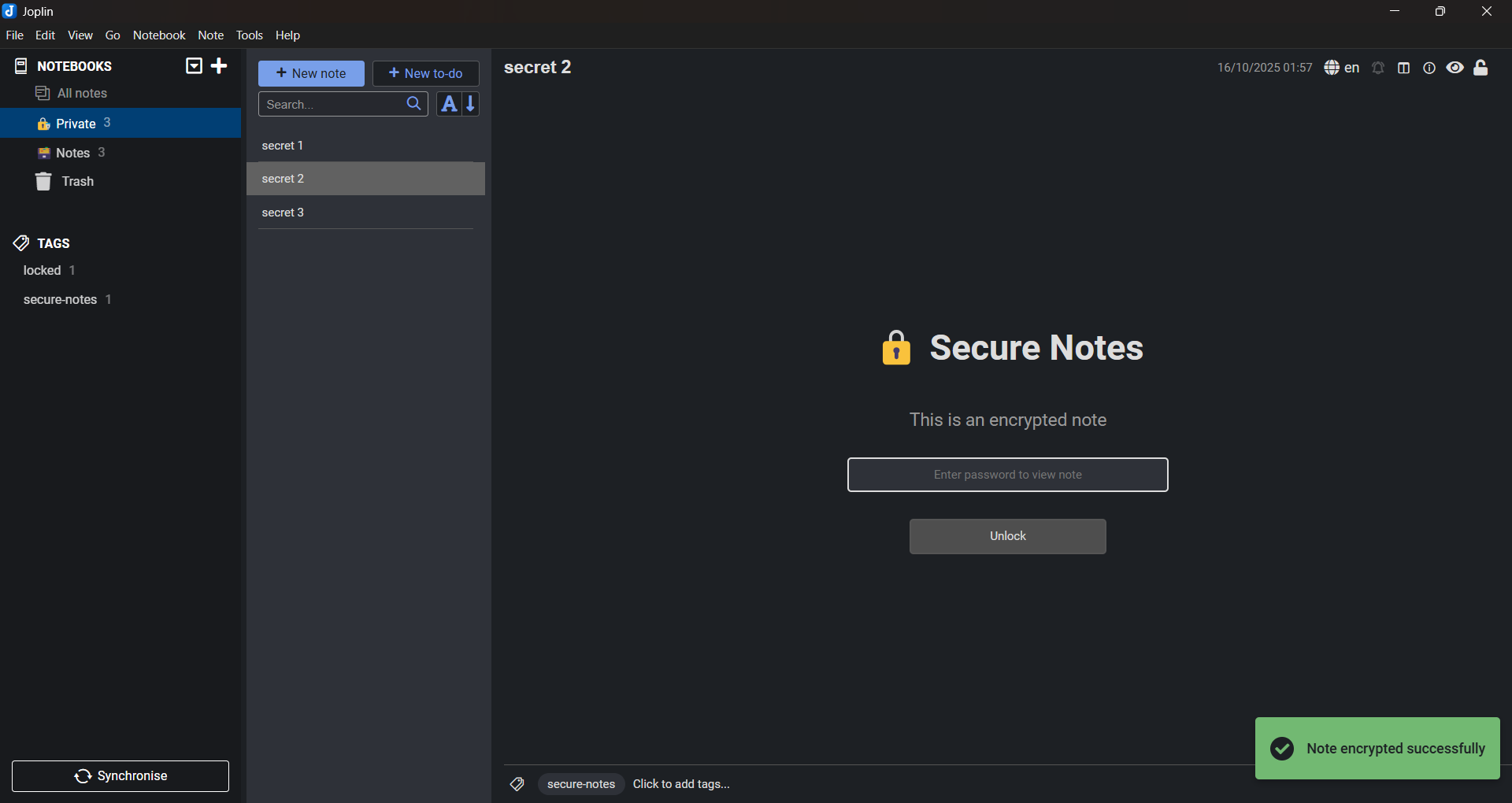
Tools > Secure Notes > Encrypt Note.Tools > Secure Notes > Decrypt Note.[!NOTE] Menu options for encrypt/decrypt is replaced with toggle Lock for this version.
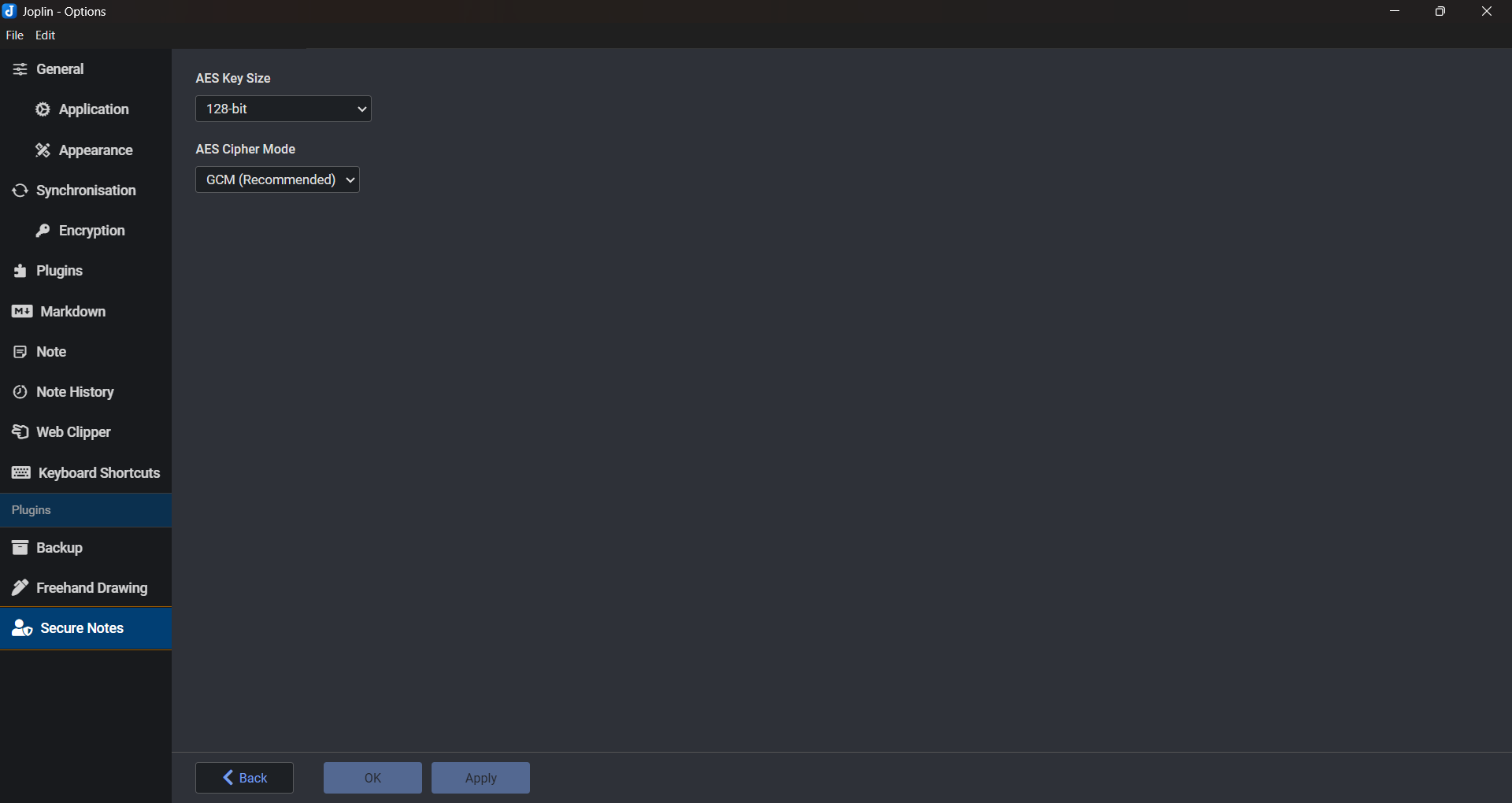
Access plugin settings via Tools > Options > Secure Notes
[!NOTE] Changing encryption settings only affects newly encrypted notes. Previously encrypted notes will use the settings that were active when they were encrypted.
Q: Can I encrypt all my notes or notebook at once?
A: Currently, the plugin encrypts notes individually. Batch encryption may be added in future versions.
Q: Are resources in my notes encrypted?
A: This plugin only encrypts your note contents. Resources like images, attachments are not encrypted because they’re just hyperlinks not the actual files themselves.
Q: Are encrypted notes searchable?
A: No, encrypted content cannot be searched until the note is decrypted.
Q: What happens if I uninstall the plugin?
A: Encrypted notes will remain encrypted. Reinstall the plugin to decrypt them.
See the full project history in CHANGELOG.
This project is licensed under the MIT License. See the LICENSE file for more details.
Contributions are welcome! Visit the GitHub repository to submit pull requests or suggest new features.