
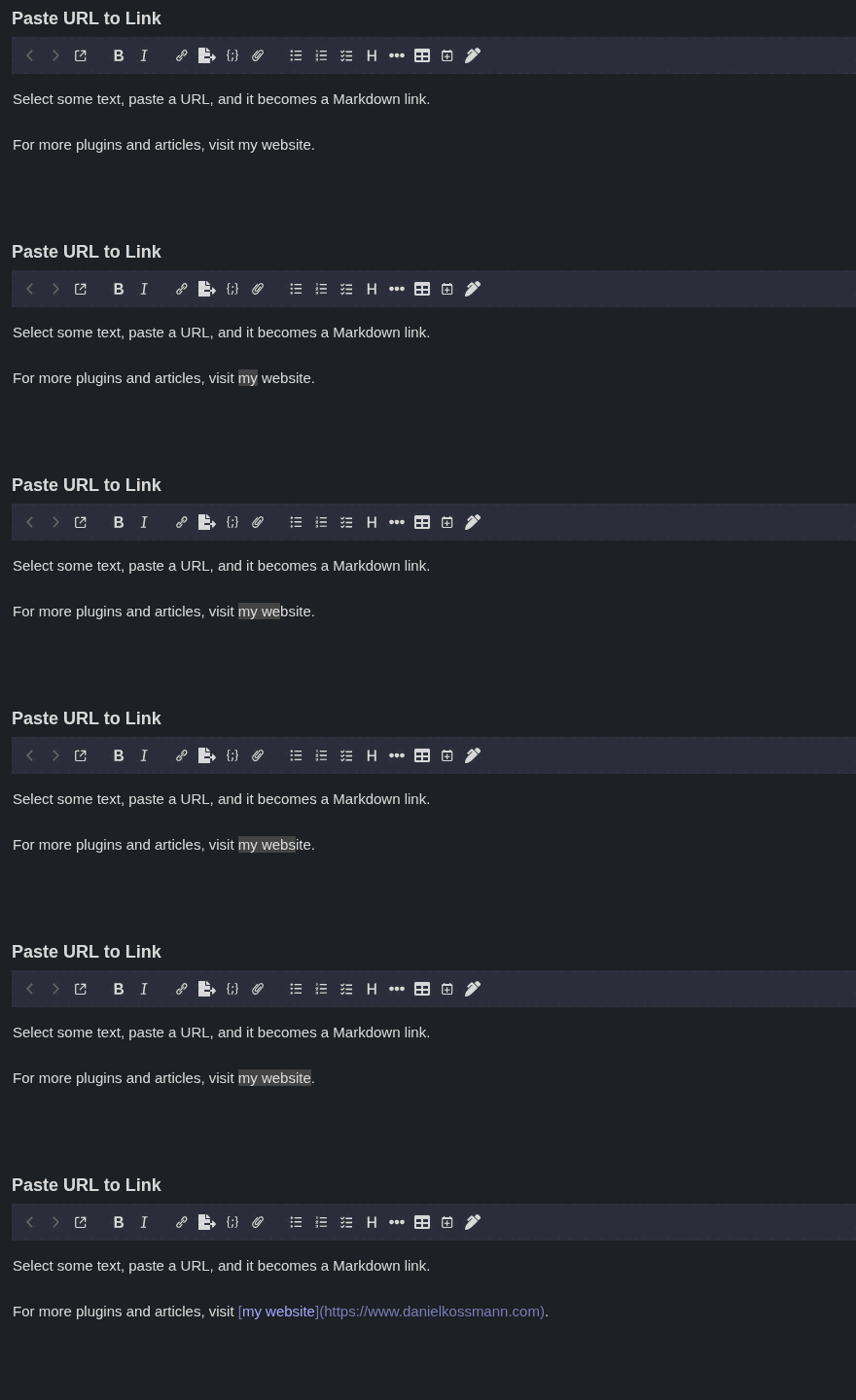
Description
Select text and paste a URL to turn the selection into a Markdown link.
Additional Information
| Links: | |
|---|---|
| Maintainers: | danielkossmann |
| Version: | 1.0.0 |
| Minimum app version: | 3.7 |
| Downloads: This version: | 5 |
| Last updated: | 2026-09-27T17:19:02Z |
Paste URL to Link
A Joplin plugin for the Markdown editor: select some text, paste a URL over it, and the selection becomes a Markdown link, the same behavior as WordPress's block editor.
Example: select Joplin and paste https://joplinapp.org → it becomes
[Joplin](https://joplinapp.org).
If the selection is already a Markdown link ([label](old-url)), pasting a
new URL updates the link target instead of nesting a new link around it.
Only http:, https:, ftp: and mailto: URLs are turned into links. Any
other paste (plain text, several words, no selection, multiple cursors, or a
selection spanning several paragraphs) behaves as usual.
Requirements
- Joplin desktop 3.7 or later
- The Markdown editor (the plugin does nothing in the Rich Text editor)
Installation
In Joplin, open Tools → Options → Plugins, search for Paste URL to Link and click Install.
To install it manually, download the .jpl file from the
plugin page,
then in Options → Plugins click the gear icon → Install from file and
select the downloaded file.
Development
See DEVELOPMENT.md for how the plugin works, and how to build, test and publish it.
License
Made by Daniel Kossmann.