
Record voice, transcribe locally with Whisper, and create Joplin notes or to-dos
| Links: | |
|---|---|
| Maintainers: | normg |
| Version: | 1.0.4 |
| Minimum app version: | 3.6 |
| Downloads: This version: | 278 |
| Last updated: | 2026-08-07T00:34:15Z |
Record your voice, transcribe it locally with whisper.cpp, and turn it into a Joplin note or to-do. Transcription runs entirely on your machine — no audio leaves your computer. An optional step can polish the transcript with a local, OpenAI-compatible LLM.
whisper.cpp (whisper-cli).Platform note: recording uses
pw-recordfrom PipeWire, so this plugin currently targets Linux. File transcription works anywherewhisper-cliruns.
pw-record) for audio capture — on Fedora: sudo dnf install pipewire-utils.ggml-small.en.bin).Tools → Options → Plugins, search for Dictate, install, and restart Joplin.
Download the .jpl from the releases and install it via Tools → Options → Plugins → Install from file.
Tools → Options → Dictate:
~/whisper.cpp).~/whisper.cpp/models/ggml-small.en.bin).~/whisper.cpp/build/bin/whisper-cli).http://localhost:1234).Privacy: transcription is always local. If you enable Polish transcripts with LLM, the transcript text is sent to the LLM server URL you configure. Point it at a local endpoint (e.g.
http://localhost:1234) to keep everything on your machine; a remote or plain-httpURL sends note text over the network in cleartext.
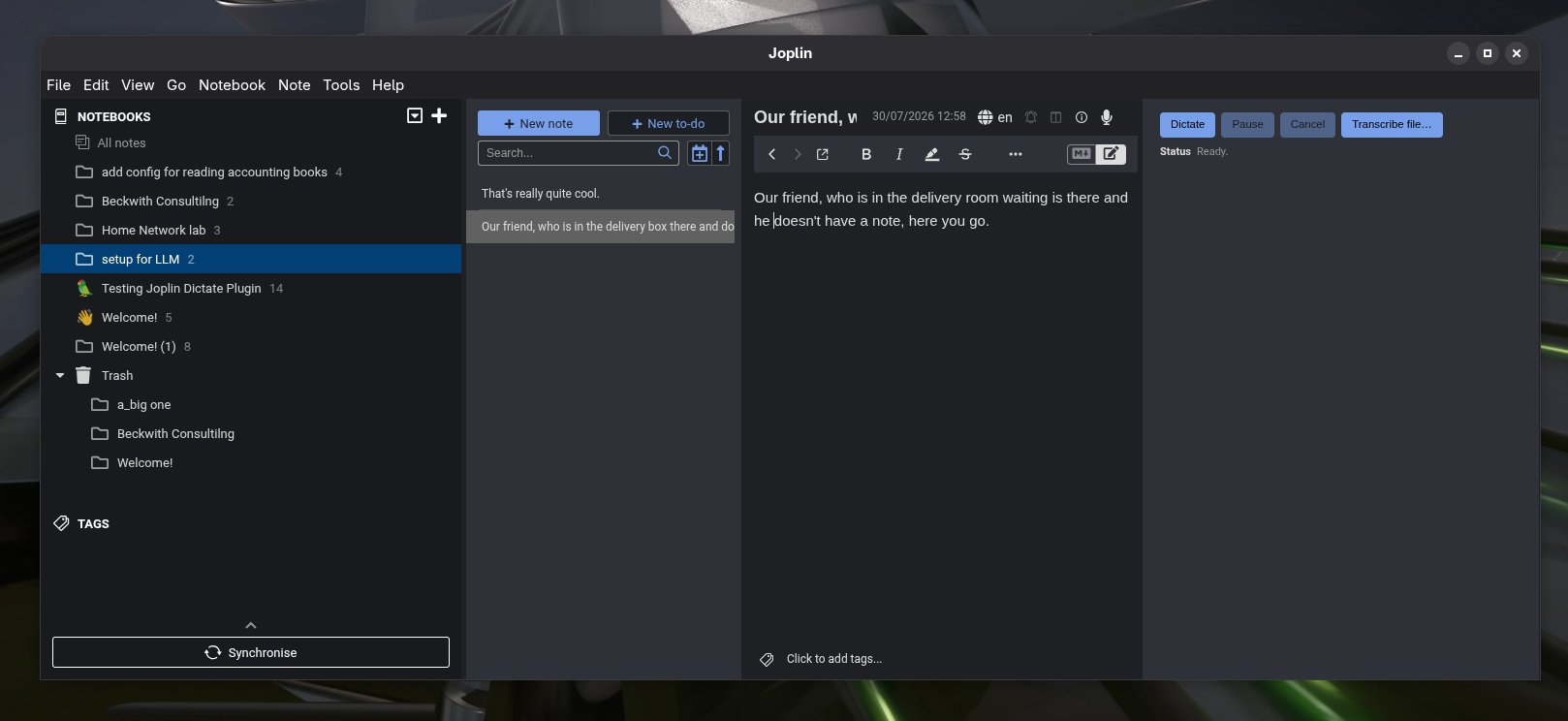
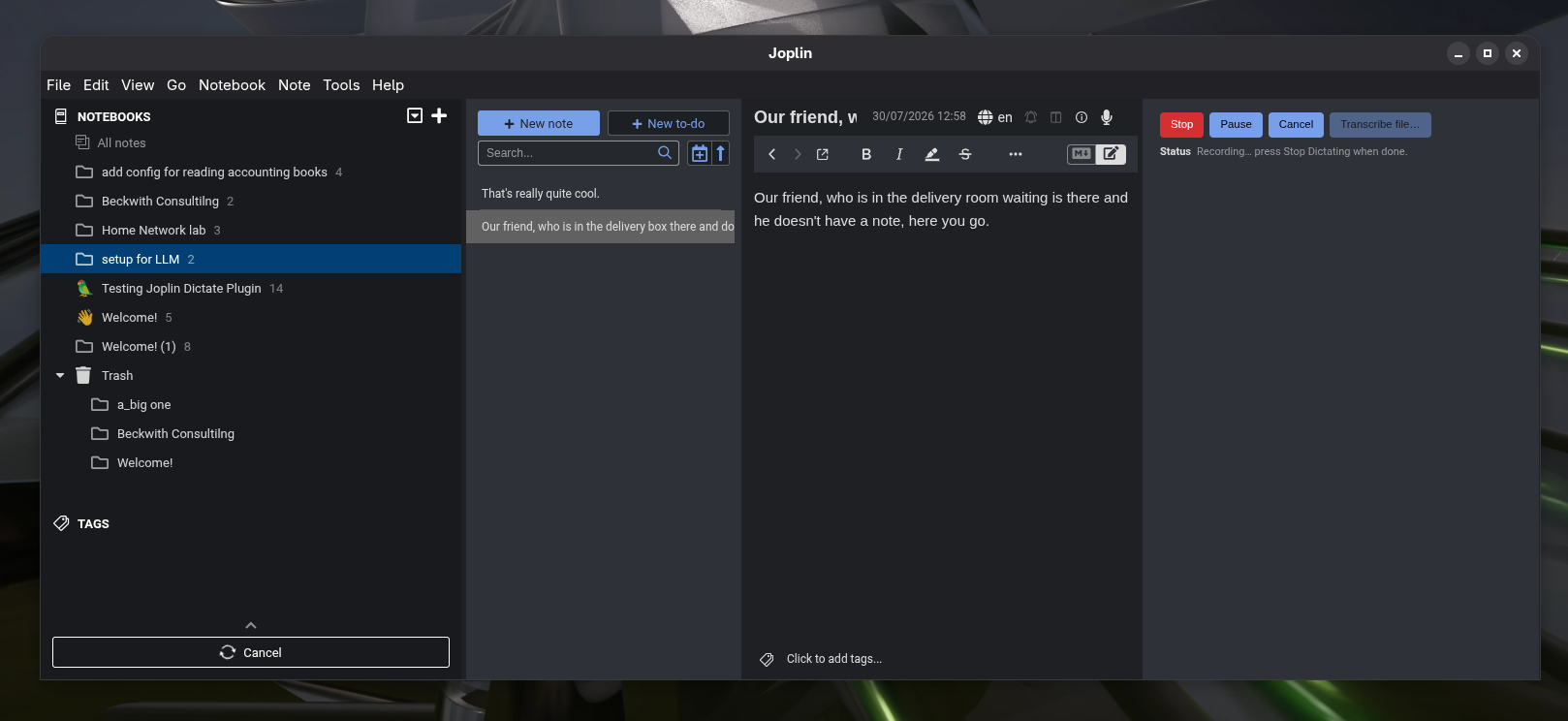
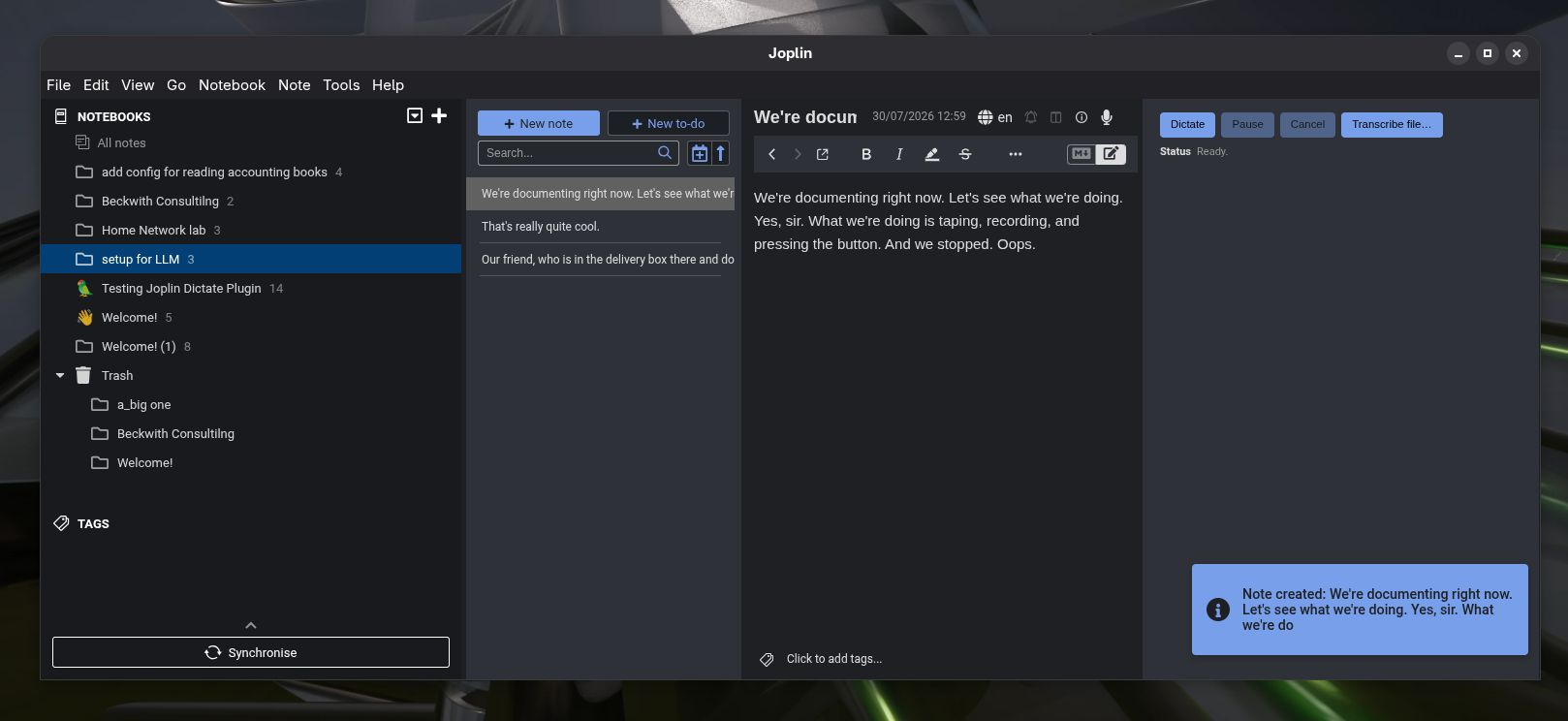
Open the Dictate panel (toolbar mic button or Tools → Dictate):
npm install
npm run dist   # produces publish/dev.normg.joplin-dictate.jpl
MIT © Norm Green