
Description
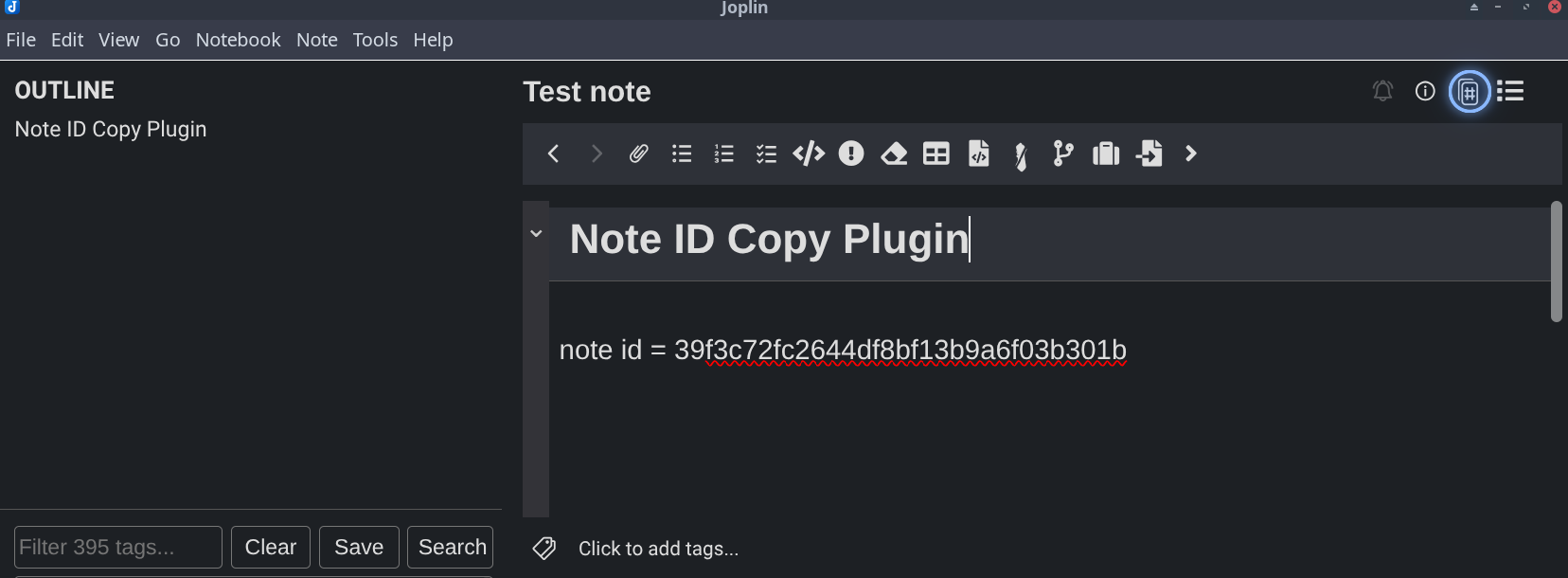
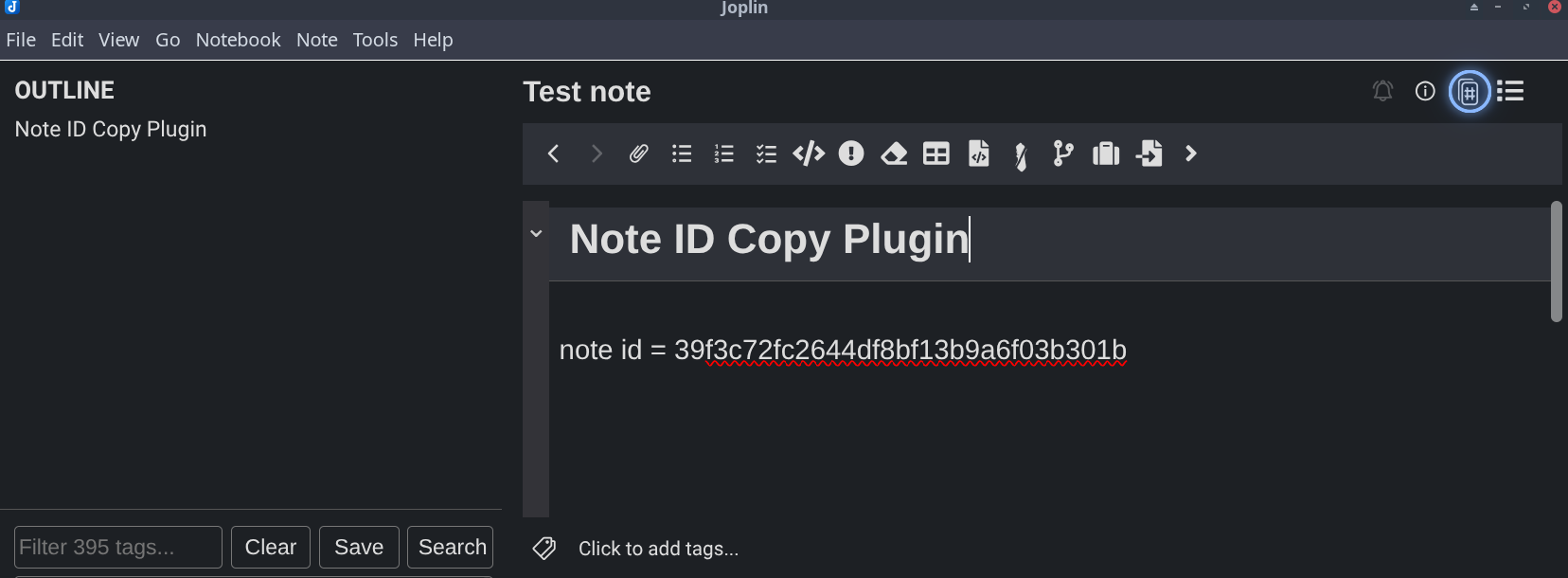
Adds a one-click toolbar button (and a bindable command) to copy the current note's ID to the clipboard.
Additional Information
| Links: | |
|---|---|
| Maintainers: | pmslava |
| Version: | 1.2.0 |
| Minimum app version: | 3.7 |
| Downloads: This version: | 10 |
| Last updated: | 2026-08-28T17:48:07Z |
Copy Note ID
A tiny Joplin plugin that adds a one-click Copy note ID button to the note toolbar — no more opening Note properties → Copy ID.
Features
- Toolbar button in the note's top-right toolbar (next to the info and alarm icons).
- Note menu entry — Note → Copy note ID.
- Right-click a note in the note list → Copy note ID (grab an ID without even opening the note).
- Keyboard shortcut — bind your own under Options → Keyboard Shortcuts (search "Copy note ID").
One click (or key press) puts the current note's ID on your clipboard, ready to paste.
Settings
Tools → Options → Copy Note ID.
Copy template
Copy template decides what the button puts on the clipboard. It defaults to {note_id}, so
out of the box you get the plain note ID. Whatever you type is copied verbatim with the
placeholders below substituted.
| Placeholder | Value |
|---|---|
{note_id} |
The note's ID |
{note_title} |
The note's title |
{note_type} |
to-do for a to-do, note otherwise |
{note_link} |
[title](:/id) — a Markdown link to the note |
{notebook_id} |
ID of the notebook holding the note |
{notebook_name} |
Name of the notebook holding the note |
{notebook_path} |
Full notebook path from the root, e.g. Work/Projects |
Example — the template
Joplin {note_type} {note_id}
copies
Joplin to-do 18d76c804e734884953ac22c715bbffb
Want a Markdown link instead of an ID? Set the template to {note_link}.
Placeholder names are forgiving: {note_id}, {note ID} and {Note-Id} all work. Anything
that is not a known placeholder is left in the output as-is, braces included. An empty template
falls back to {note_id} so the button never copies nothing.
Install
From the Joplin plugin store: Tools → Options → Plugins, search Copy Note ID, and click Install.
From file: grab the latest .jpl and use Tools → Options → Plugins → the gear icon → Install from file.
Build from source
npm install
npm run dist
The packaged plugin is written to publish/io.github.copynoteid.jpl.