
All your notes as Google Keep-style cards: pin, color, drag into your own order, tick checklists, set reminders, archive, and take a quick note. No account needed. Optional: bring in notes from the JotDrop app through JotDrop Cloud.
| Links: | |
|---|---|
| Maintainers: | diexar |
| Version: | 1.1.0 |
| Minimum app version: | 3.5 |
| Downloads: This version: | 3 |
| Last updated: | 2026-10-31T15:15:09Z |
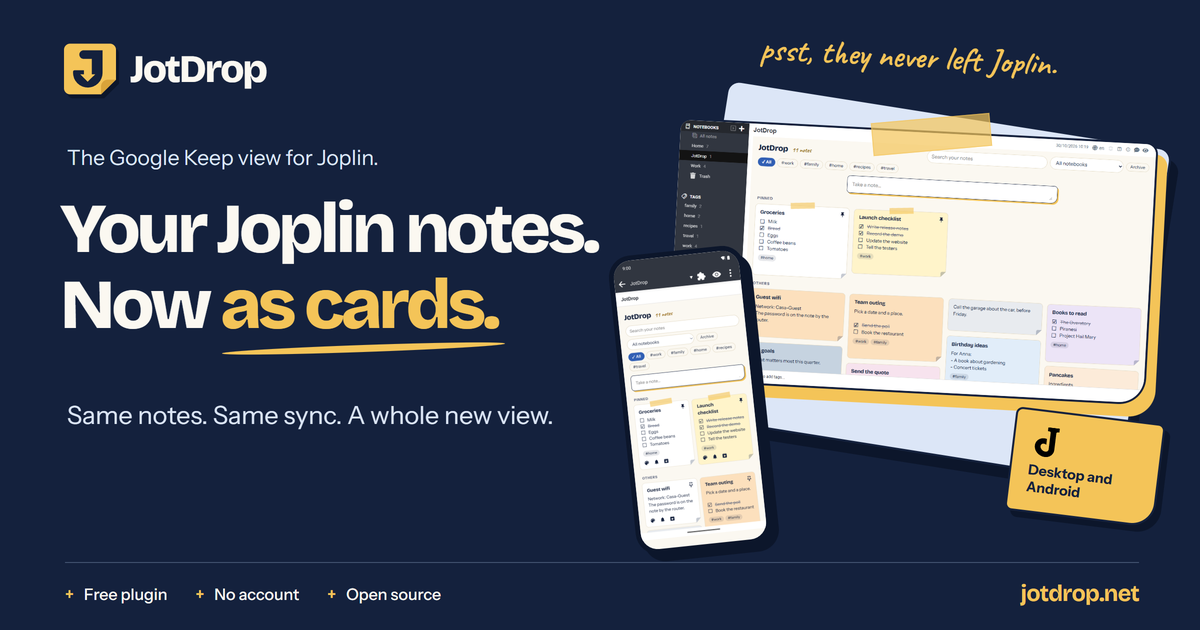
The free, open-source Google Keep style card view for Joplin, on Joplin desktop and Joplin for Android.
Every note you already have becomes a card you can pin, color, drag and tick off.
Nothing to convert. No account needed. Your notes stay in Joplin.
Want to capture on the go? Notes from the JotDrop app can land on your board through JotDrop Cloud.
Get it · Features · On your phone · From the JotDrop app · How it works · JotDrop app and Cloud · FAQ · jotdrop.net


Free. No account needed. The cloud is your choice.
JotDrop for Joplin costs nothing and needs no sign-up. It adds a board to the Joplin you already use, and your notes keep using Joplin's own sync, whichever sync target you chose. It only talks to the internet if you connect JotDrop Cloud yourself, to bring in notes from the JotDrop app.
Joplin is great at keeping everything: notebooks, Markdown, sync on your terms. What it doesn't have is that quick, visual overview where a thought lands on a card and you see it at a glance. JotDrop adds exactly that, and leaves the rest of Joplin alone:

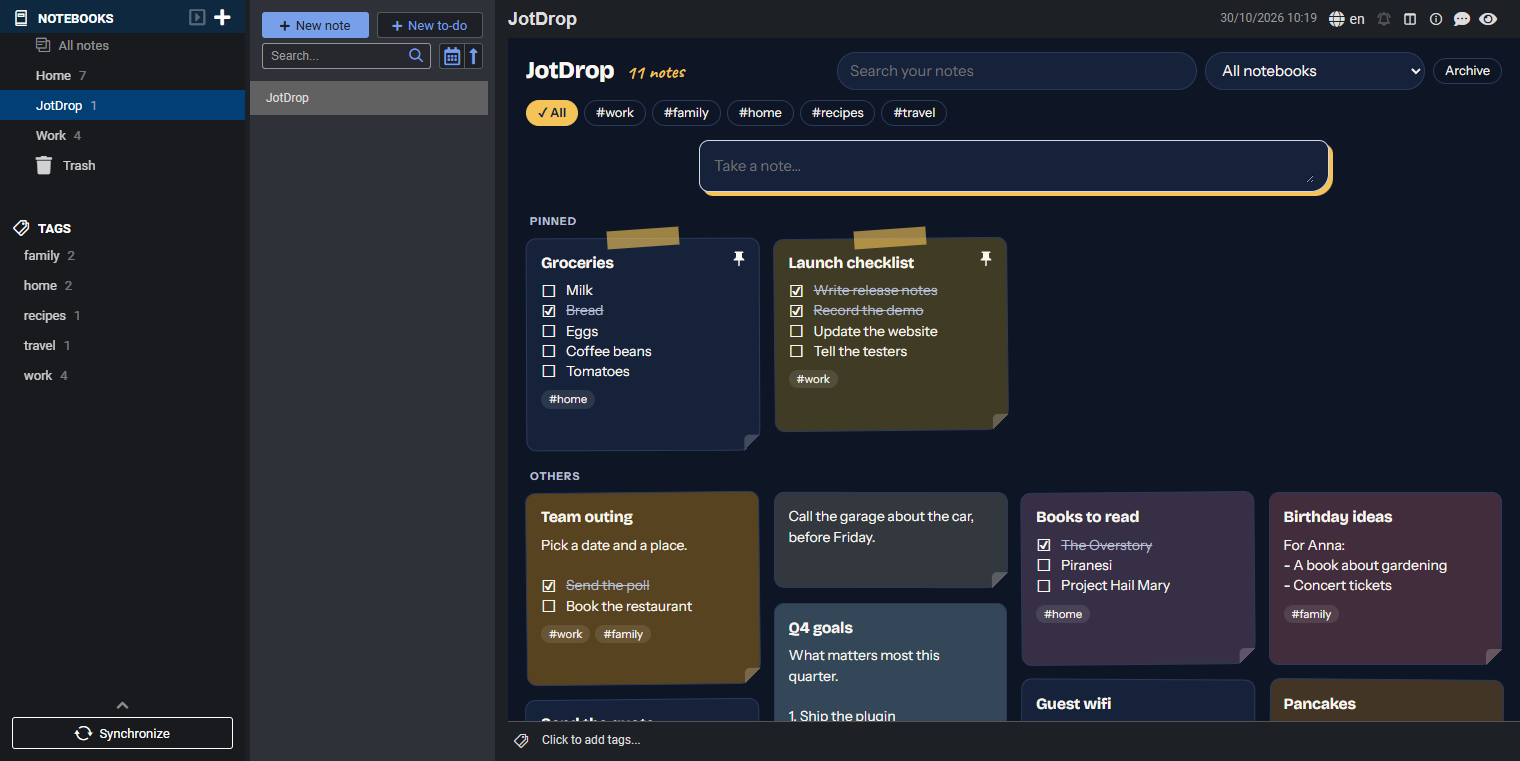
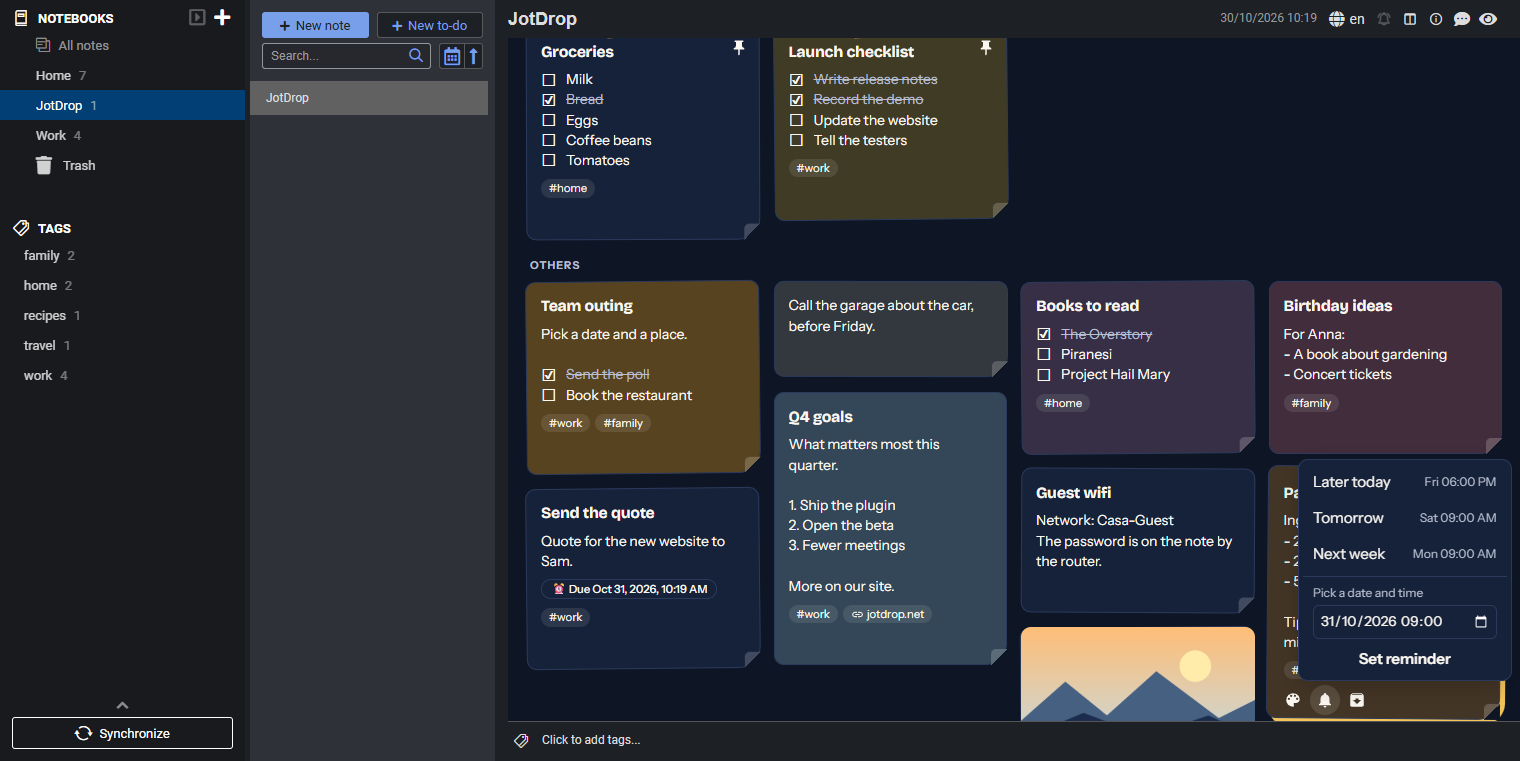
Tick a task, pin a note, pick a color, drag a card, find a note by a word inside it. That's the real plugin in Joplin desktop, with made-up demo notes.
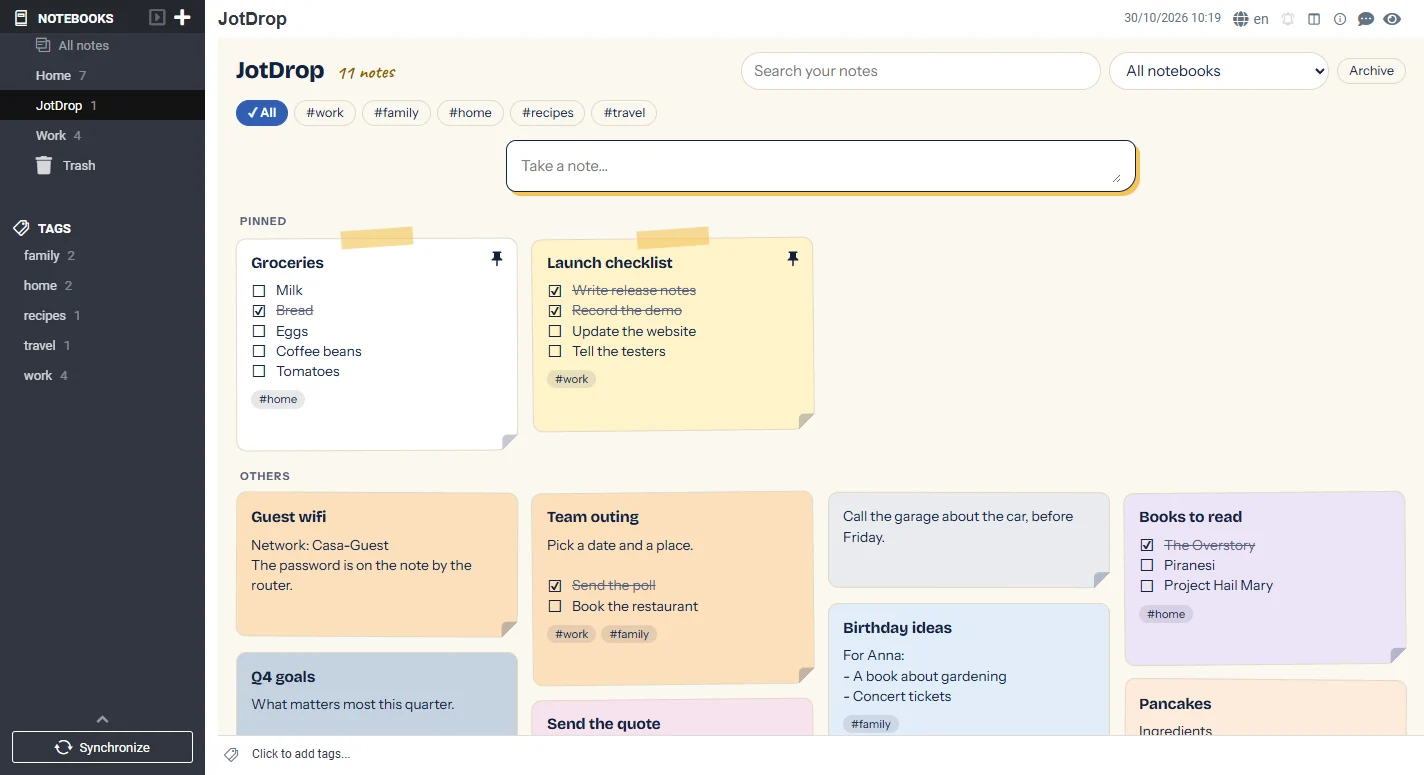
A card shows what matters: the title and text, ticked tasks with a line through them, the first photo as a cover, one chip per website you linked to, your tags and a due date. Pinned cards get a strip of tape and stay on top.
| Where | How |
|---|---|
| Joplin desktop | Tools > Options > Plugins, search for JotDrop, install, restart Joplin if it asks |
| Joplin for Android | Configuration > Plugins, Enable plugin support, search for JotDrop, install |
Then open the board:
The first time, JotDrop creates a notebook called JotDrop with one note in it. That note is the board. Quick notes go to this notebook too, unless you have filtered the board on another notebook. From then on the board opens when Joplin starts; you can turn that off under Options > JotDrop.
Requires Joplin 3.5 or newer. On iPhone and iPad, Joplin only allows the plugins it recommends itself, so JotDrop is not available there.
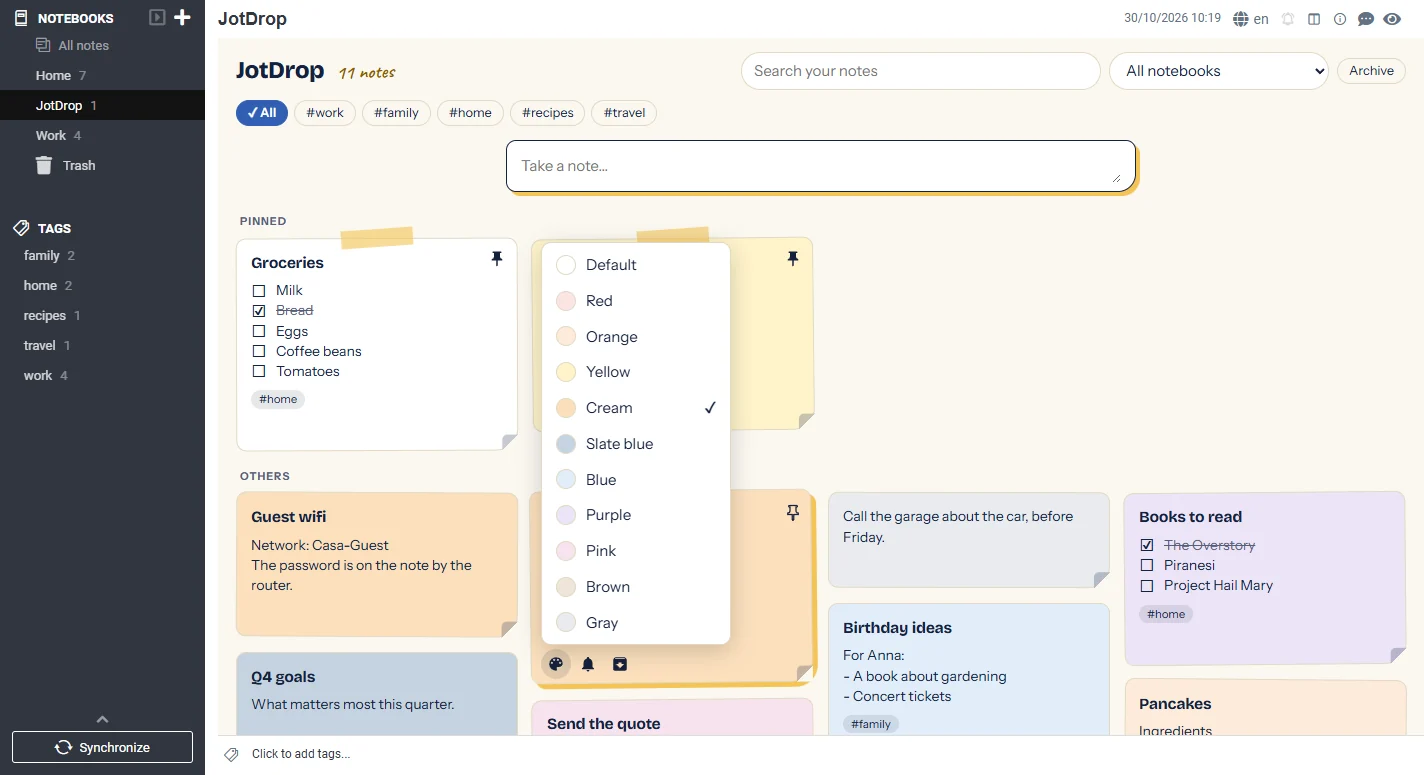
Every color has a name. |
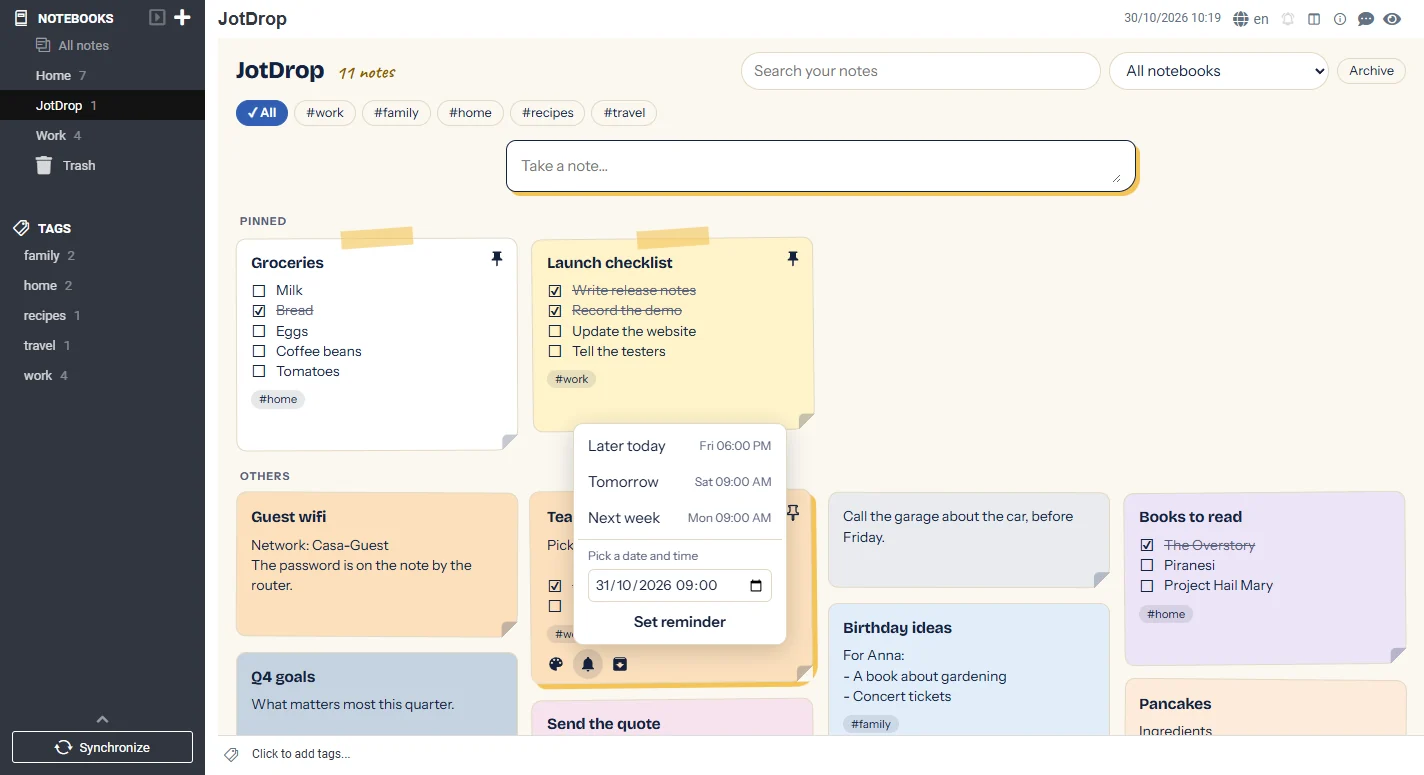
Reminders run on Joplin's own alarm. |
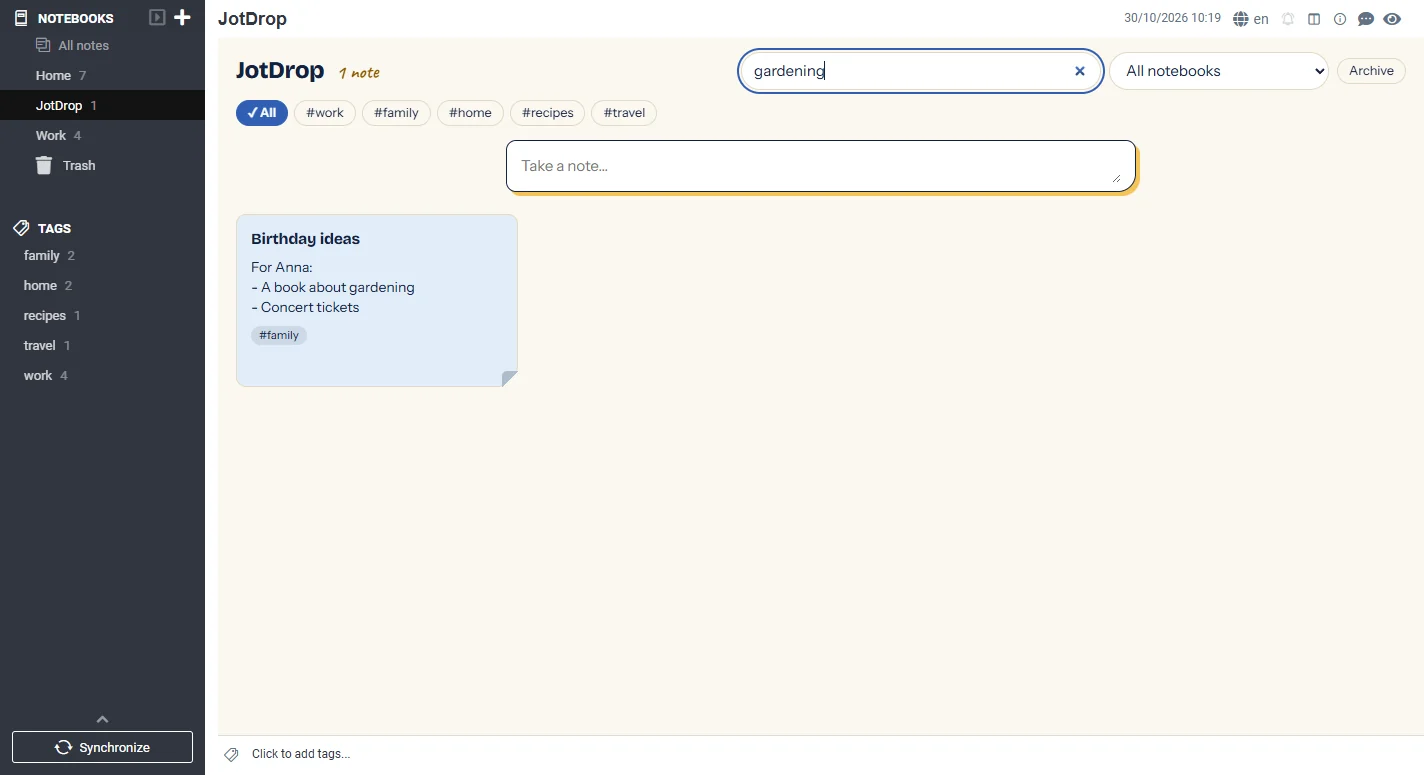
The note you can't find, found. |
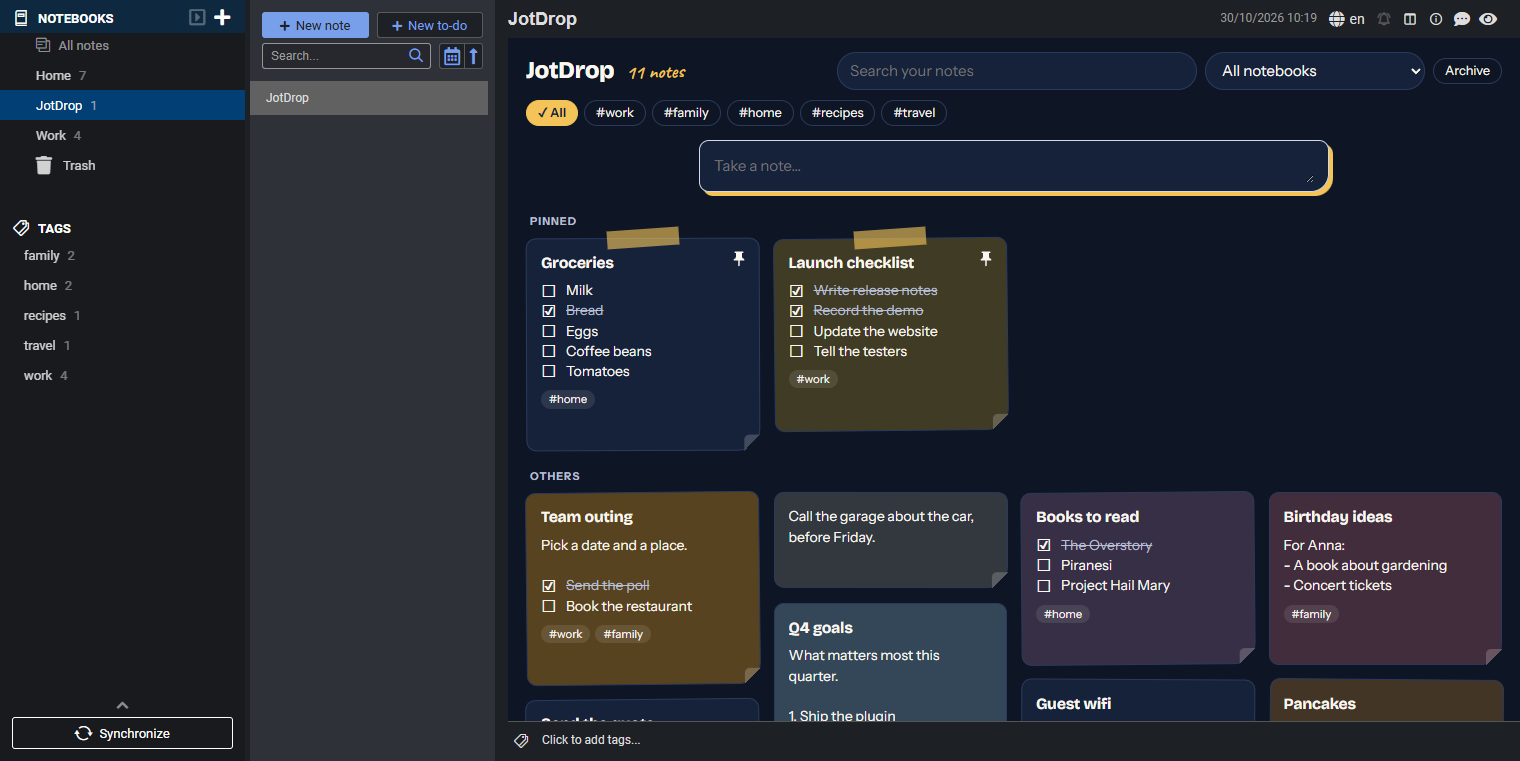
Follows your Joplin theme, dark included. |
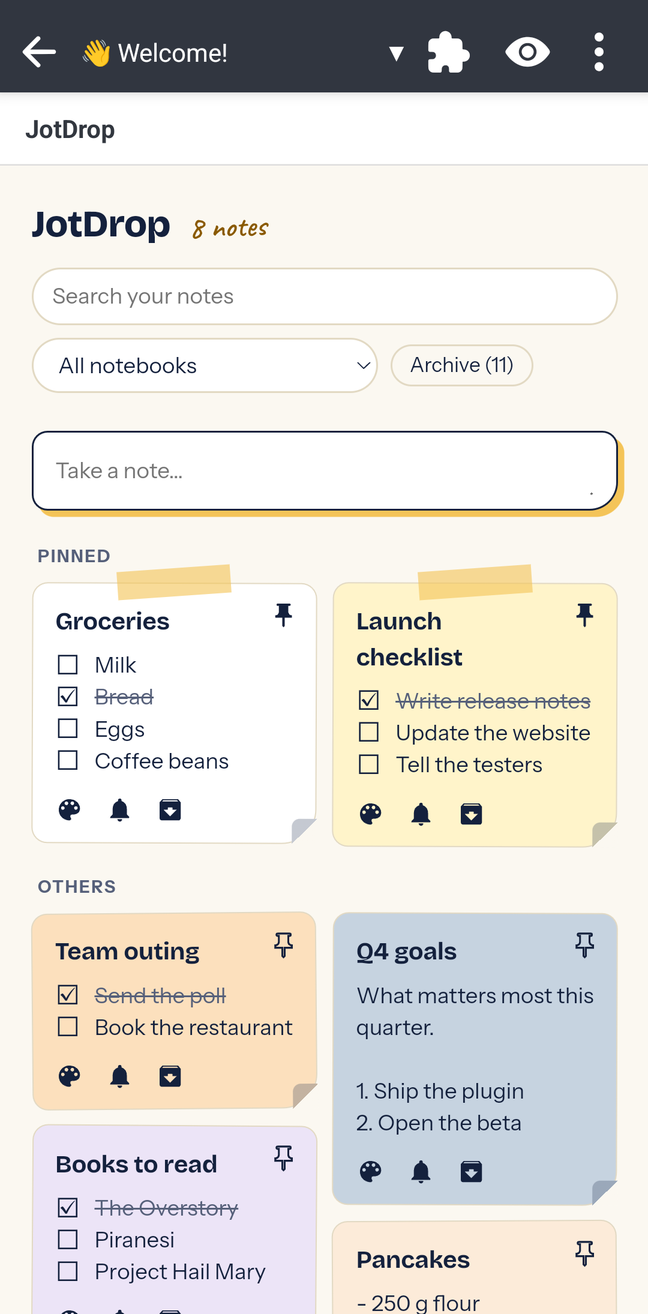
Joplin for Android's own note list only shows titles. With JotDrop you get the whole board, with your thumb.
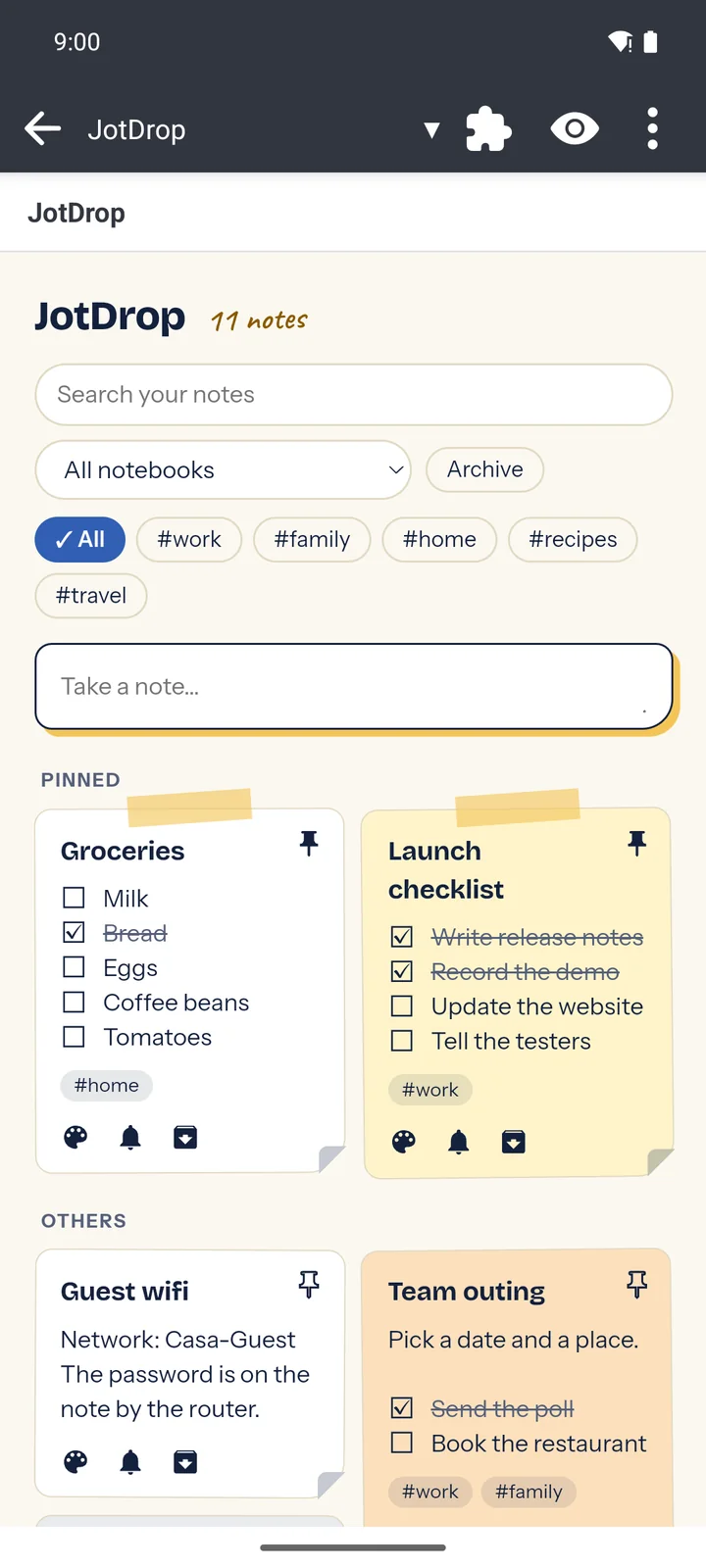
Pinned on top, the rest below. |
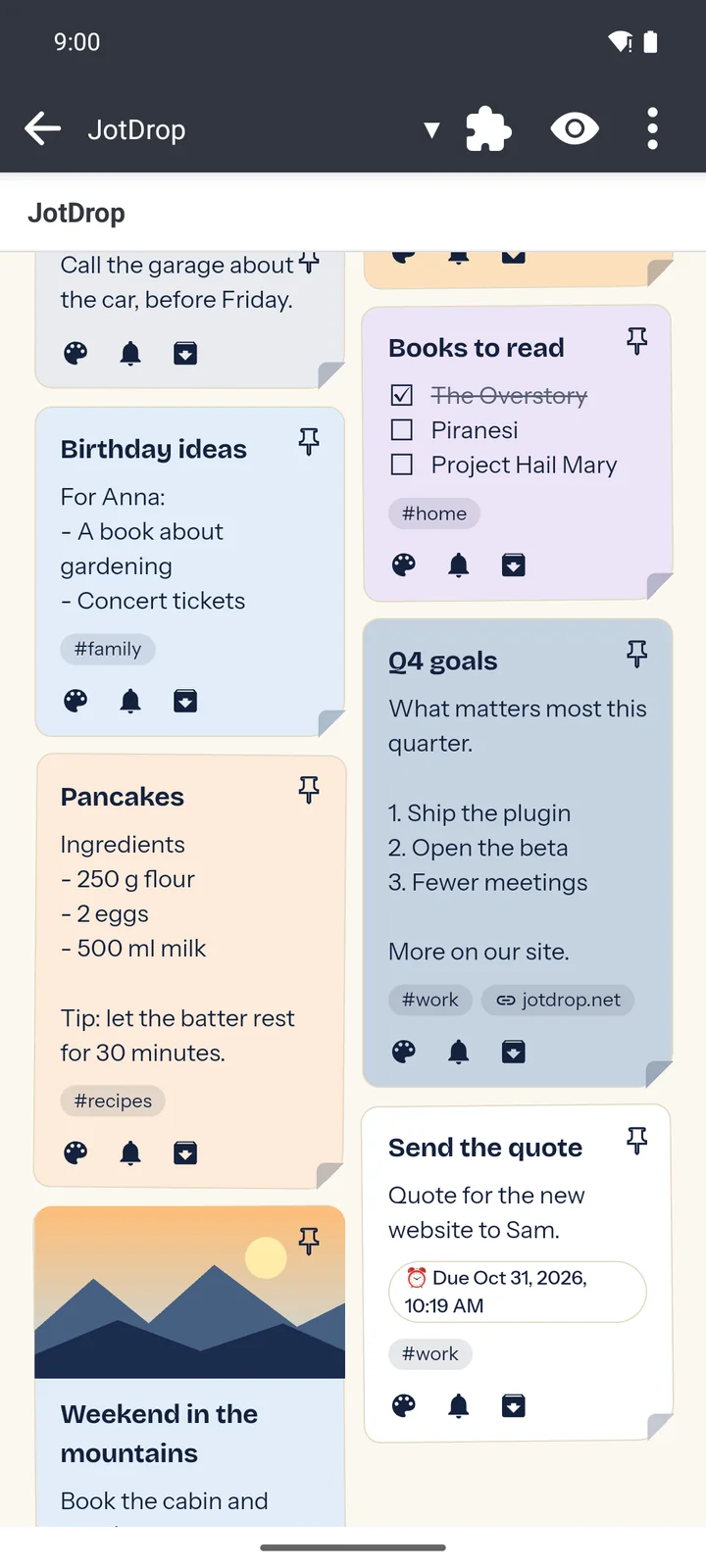
Photos, tags and due dates on the card. |
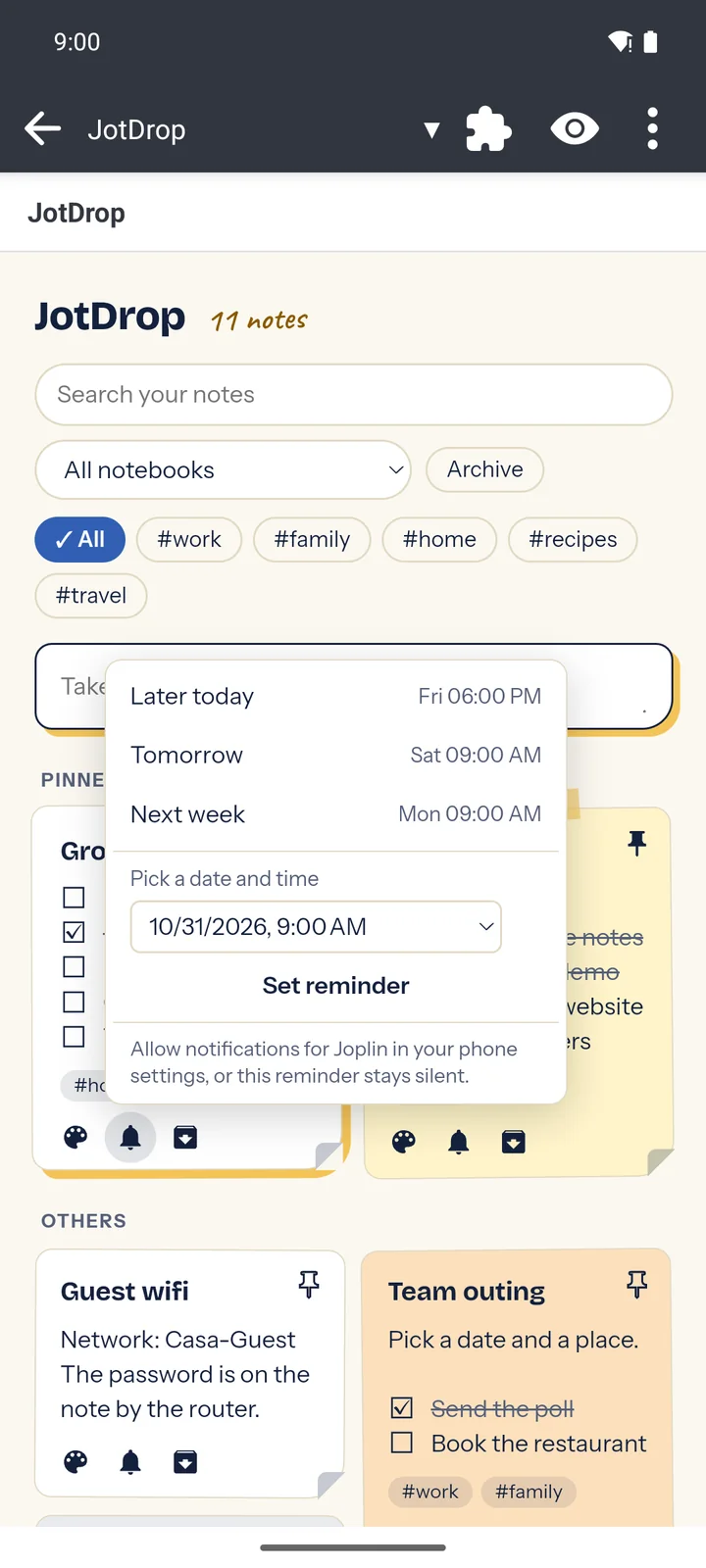
Remind me later, in two taps. |
Allow notifications. On Android 13 and newer, allow notifications for Joplin in your phone settings. Joplin only asks for this in its own alarm screen and a plugin cannot ask for it, so without it a reminder set from the board stays silent.
The JotDrop Android app is made for catching things on the go: share a link from any app, dictate, record a voice memo, turn a photo into text. Connect JotDrop Cloud, and all of that shows up on your Joplin board as ordinary notes.
Speak a thought into your phone. It travels end-to-end encrypted through JotDrop Cloud. Joplin on your desktop brings it in as a normal note, and Joplin's own sync takes it to your other devices.
Connect in a minute
The button then shows ✓ Cloud. Click it to see how it is going, to check right away, or to disconnect. Disconnecting keeps the notes that came in.
What comes along: text, photos, voice memos (they play on the card), other files, colors, pins, labels and hashtags as Joplin tags, and reminders as Joplin's to-do alarm.
Who wins: your Joplin. A note you edited or removed in Joplin is never overwritten or brought back. As long as you did not touch it, a change in the app updates it here. A note you delete in the app stays in Joplin.
Good to know
JotDrop for Joplin is deliberately simple plumbing:
Uninstall the plugin and your notes are still your Joplin notes. Only the board note and its notebook stay behind, and you can delete those.
JotDrop for Joplin is part of JotDrop, the private Google Keep alternative. You don't need any of the below to use the board. It is there if you want to catch notes on your phone and find them in Joplin, if you ever want Keep-style notes outside Joplin, or for someone you know who does.
A separate, native notes app with the same kind of cards. Share links, text and images to it from any app, dictate, record a voice memo, turn a photo into text, and set repeating reminders. Your notes are plain Markdown files in a folder on your phone, and it works without an account.
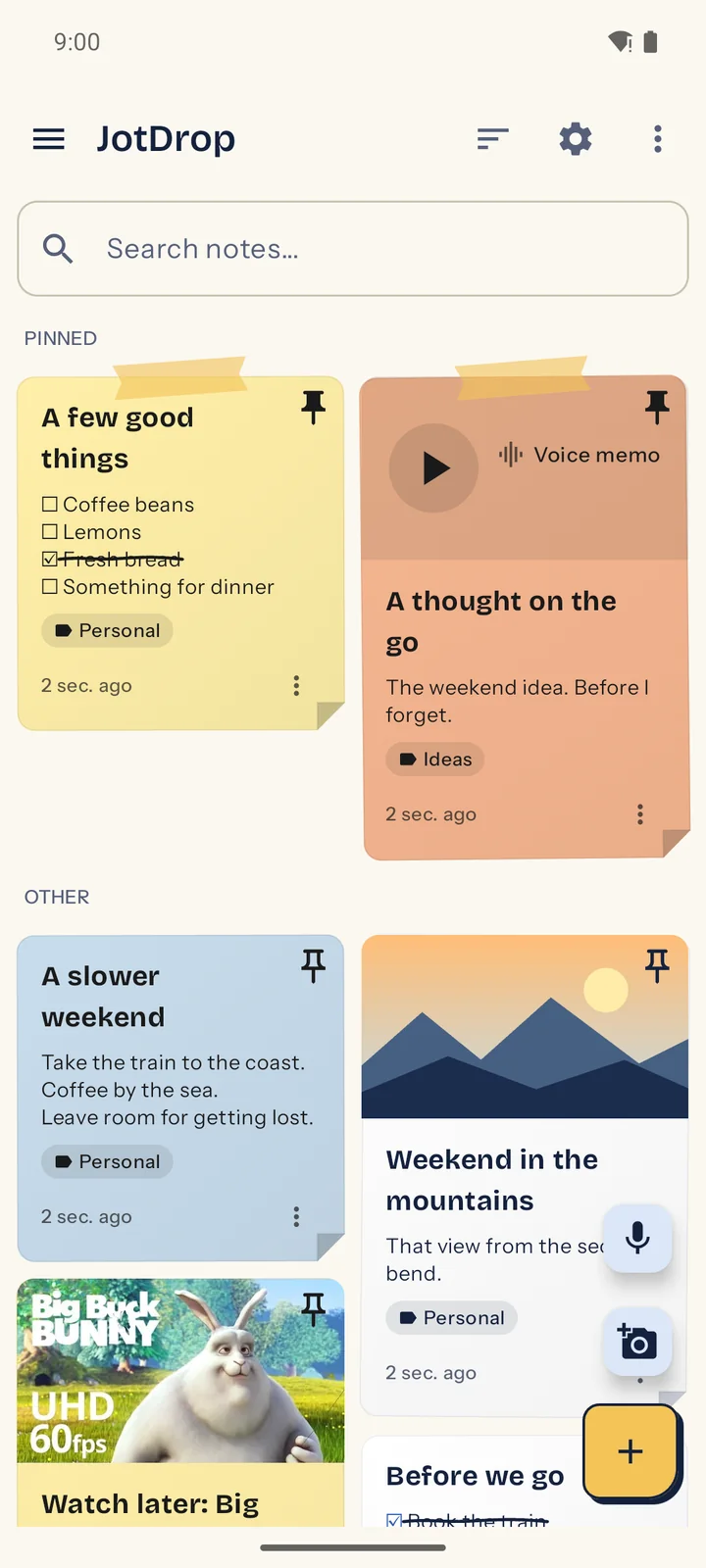
Voice memos, lists and photos on cards. |
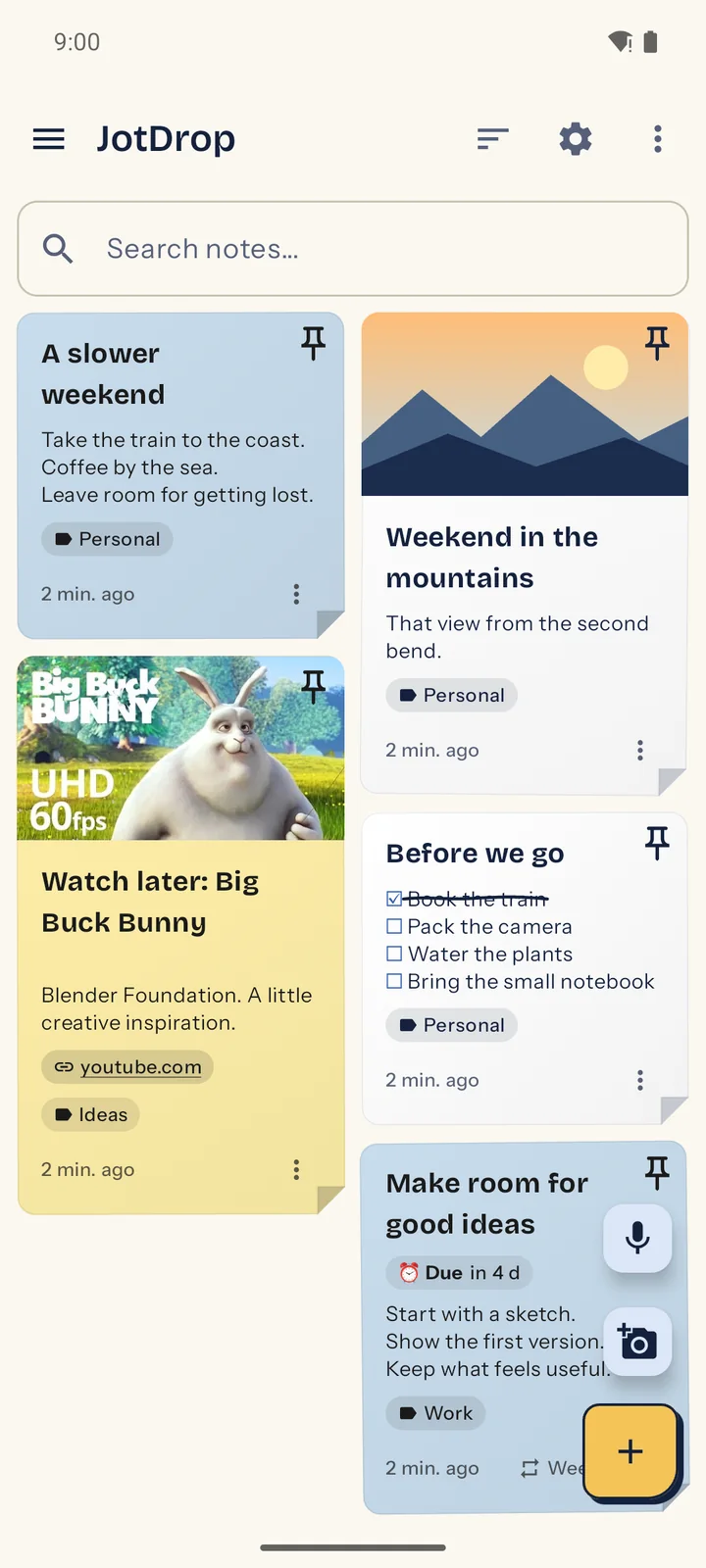
Link previews and repeating reminders. |
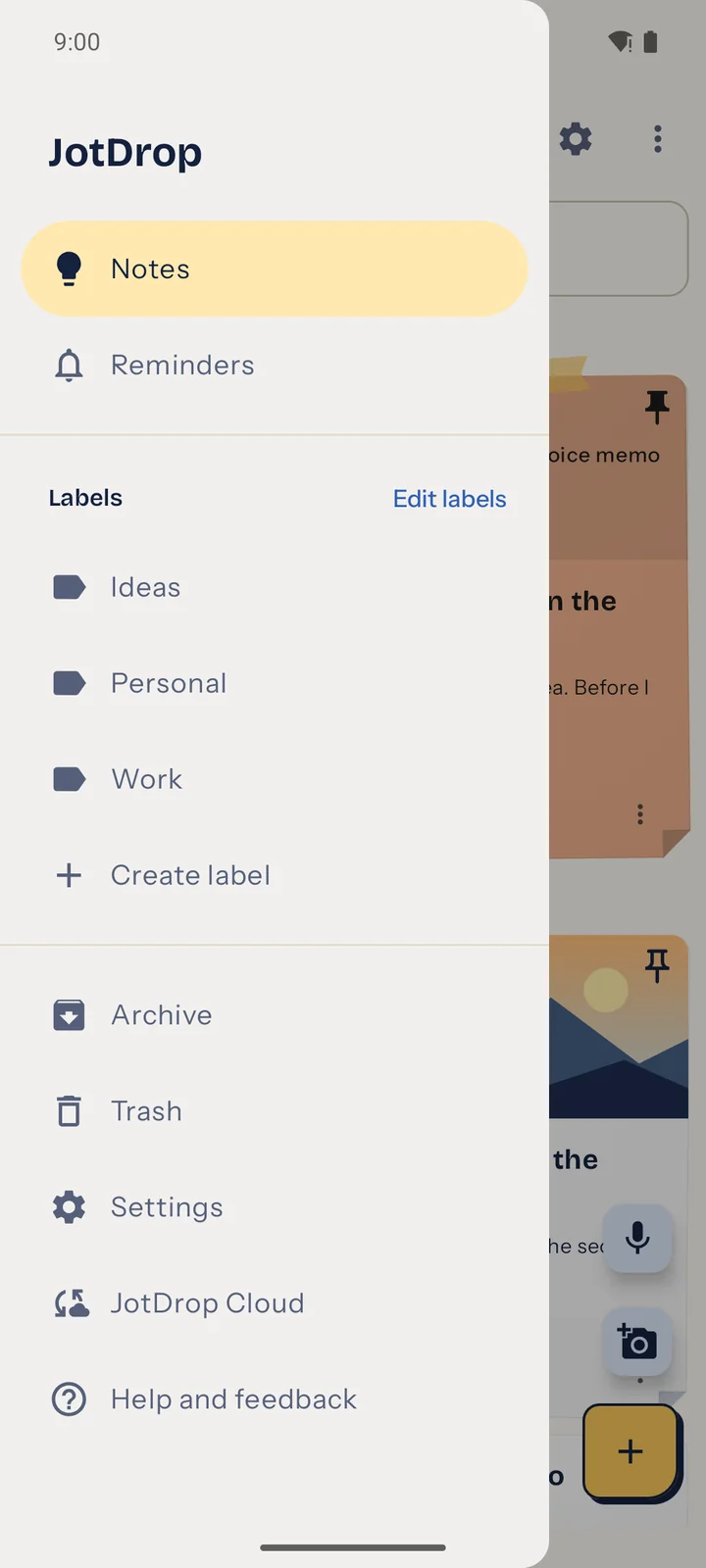
Labels, archive, trash and Cloud. |
Get it from the JotDrop releases on GitHub. There are also a JotDrop plugin for Obsidian, a web app and a Chrome clipper that works together with the Obsidian desktop plugin.
The optional, end-to-end encrypted sync for the JotDrop app, the Obsidian plugin and the web app, and the way their notes reach Joplin. Each note and attachment is encrypted on your device with AES-256-GCM before it leaves, so the server holds no readable copy. It does see account details such as your email address, your devices and the size and time of your files. A time machine lets you look back at an earlier moment and restore it.
| Free | Plus | |
|---|---|---|
| Encrypted cloud storage | 250 MB | 10 GB |
| Connected devices | 2 | No plan limit |
| Largest synced file | 25 MB | 200 MB |
| Time machine | 30 days | Full available history |
| End-to-end encryption | Included | Included |
Current prices are on the JotDrop pricing page. The free plan needs no payment details. All of it is explained in the JotDrop repository.
Joplin users: your Joplin notes do not go to JotDrop Cloud. Notes only travel from the cloud into Joplin, and Joplin's own sync keeps doing the rest. Want to move notes to JotDrop instead? Export them from Joplin as Markdown with resources (not JEX) and import them in JotDrop.
Is there a card view or grid view for Joplin? Yes, that's what this plugin is. Joplin's own note list stays as it is; JotDrop adds a full-screen board that shows all your notes as cards, on desktop and Android.
Does it change my notes? Color, pin, archive and order are stored as plugin data, so your text stays untouched. Ticking a checkbox updates that line in the note, and a reminder makes the note a to-do until you remove the reminder.
Does it work with my sync? It sits on top of Joplin's own sync, so it follows whichever target you use. We tested it between desktop and Android over WebDAV, and between two desktops through a shared folder.
Are my notes encrypted? That is up to your Joplin settings. Joplin's end-to-end encryption is optional and off by default. Turn it on in Joplin and the plugin data travels with it.
Do I need a JotDrop account or JotDrop Cloud? Not for the board. Without JotDrop Cloud the plugin has no account, no server and no network requests of its own. You only need the cloud to bring in notes from the JotDrop app, and the free plan is enough for a phone and one Joplin.
Can notes from the JotDrop app appear in Joplin? Yes. Connect JotDrop Cloud on Joplin desktop and they come in as ordinary notes. It goes one way, and whatever you changed in Joplin stays as you left it.
Are notes from JotDrop Cloud still encrypted in Joplin? On the way, yes, end to end. In Joplin they are normal notes, so Joplin's own encryption setting applies.
Does it work on iPhone or iPad? No. On iOS, Joplin only allows the plugins it recommends itself.
Why is there an extra note called JotDrop? That note is the board. Joplin shows it as the full-screen view, and it never appears as a card.
Will it keep up with thousands of notes? We tested it with 5,000 notes on desktop and 2,000 on Android. The board only fetches the cards near your screen.
This is a project shared in the open. Bug fixes, translations and small features that keep JotDrop simple are welcome. For bigger ideas, open an issue first to talk about it.
Requires Node.js 20 or newer.
npm ci
npm run typecheck
npm test
npm run build        # dist/ and publish/net.jotdrop.joplin.jpl
npm run check:shared # is the shared card and cloud code still the same as JotDrop's?
For development, start Joplin desktop with --dev-plugins <path to dist>.
Built by Diexar Labs on Joplin's plugin API. Inspired by Google Keep (the good parts). JotDrop is an independent project and is not affiliated with Joplin or Google.
The sample video card in the Android app photos shows Big Buck Bunny by the Blender Foundation, CC BY 3.0, used without endorsement.
MIT. See LICENSE.
