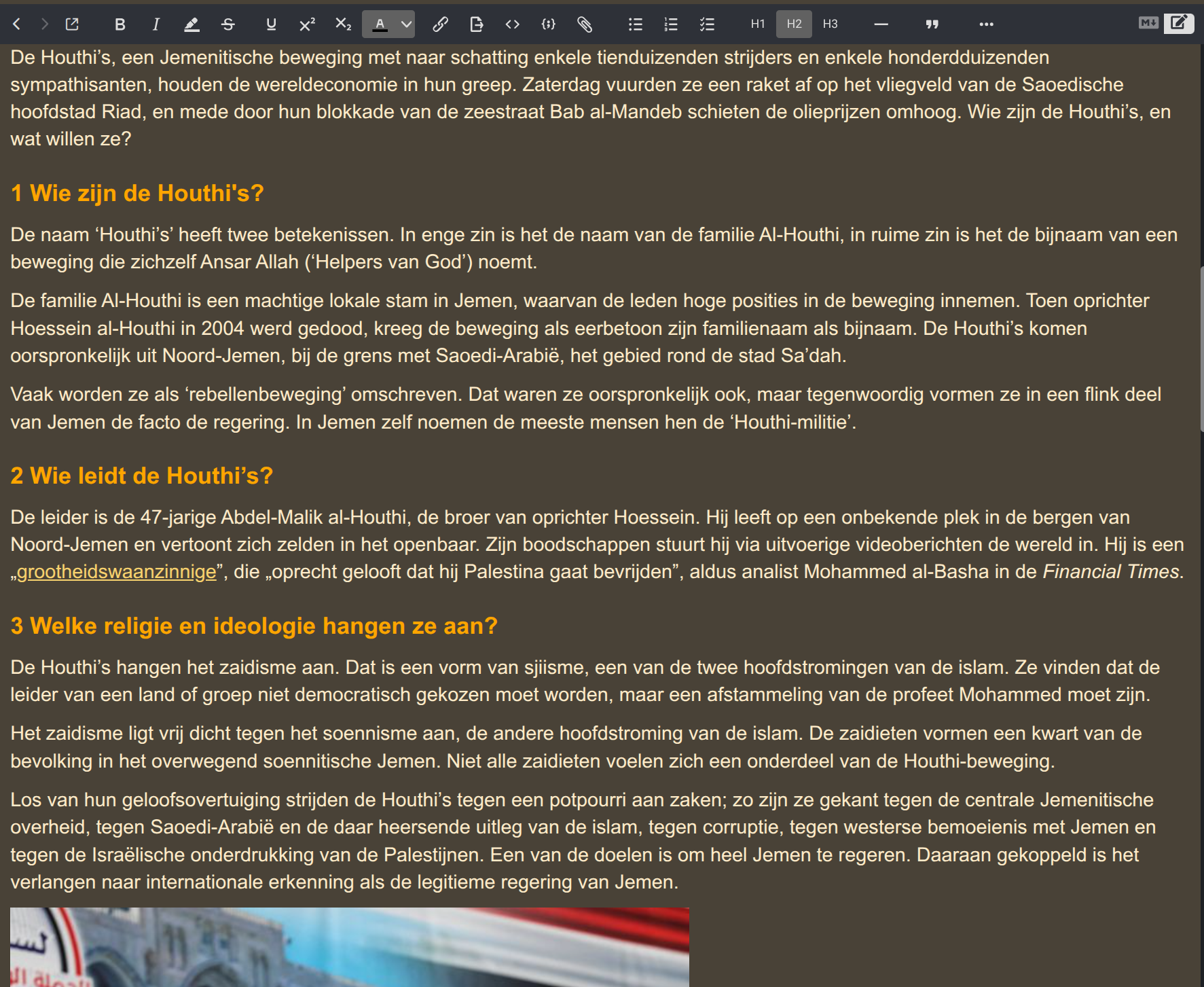
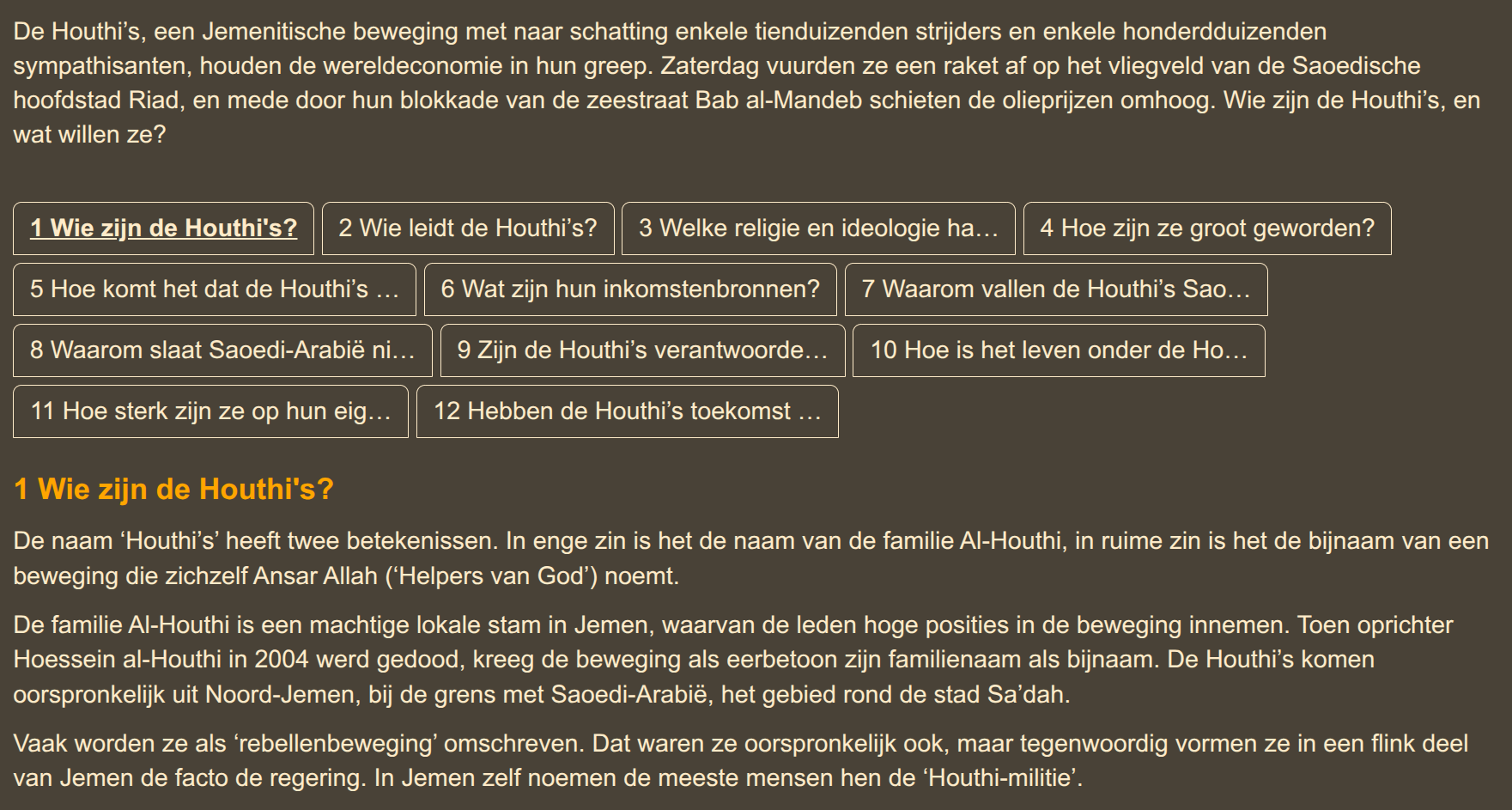
Toggle a tabbed reading view for level-two Markdown headings.
| Links: | |
|---|---|
| Maintainers: | smartscripts.nl |
| Version: | 1.0.27 |
| Minimum app version: | 3.7.22 |
| Downloads: This version: | 3 |
| Last updated: | 2026-11-21T05:54:12Z |
A Joplin Desktop plugin that groups level-two Markdown headings and their content into reading tabs. It supports English and Dutch and can integrate with my Joplin plug-in Read Distraction Free.
From the repository root, create the plugin archive:
npm ci --ignore-scripts
npm run dist
In Joplin, open Tools → Options → Plugins, choose Install from file in the gear menu, select publish/com.joplin.plugin.headings-to-tabs.jpl, and restart Joplin.
Use Tools → Options → Headings to Tabs to adjust the plugin settings and Keyboard Shortcuts to change its shortcut. The default is Ctrl+Shift+T. The hotkey functions as a toggle: pressing it once again, will undo the tabs display mode.
The idea was mine, but the plugin was generated by ChatGPT.